
Have you ever thought that a few simple words could open a secure connection between you and your healthcare team? VA Secure Messaging offers veterans a safe and direct way to share health issues and send quick updates from the comfort of home.
Picture sending a note that feels as secure as a diary kept under lock and key. It’s fast, simple, and keeps your personal details private.
This tool also makes it easy to request refills or check on appointments, all while keeping your information safe. In doing so, it brings healthcare closer and builds a dependable bond between you and your veterans' health experts.
Understanding VA Secure Messaging
The VA Secure Messaging system is a private, online tool that lets veterans easily reach out to their VA healthcare teams. It works like a safe email service where you can share health concerns, ask quick questions, or review updates right from home. For instance, a veteran might use it to request a prescription refill or check on upcoming appointments, offering a simple, reassuring note that keeps both sides informed.
This service brings several useful benefits to everyday care. It makes managing health details straightforward while keeping everything private and secure. Veterans can exchange meaningful health insights without worry, knowing their information is protected as carefully as a cherished secret. In truth, this blend of ease and security builds a strong, trust-filled connection between patients and their care providers.
VA Secure Messaging Eligibility and Registration

Veterans, getting started with VA Secure Messaging is simple when you have the right account in place. You’ll need either a My HealtheVet Premium account or DS Logon Level 2 credentials, both of which help keep your identity safe and your communications secure with your VA healthcare team. If you have any questions during setup, helpful support is just a call or click away.
- First, register for your My HealtheVet Premium account.
- Next, verify your identity with DS Logon Level 2.
- Then, head over to the Secure Messaging enrollment.
- Finally, reach out using the provided support contacts whenever you need help.
By following these straightforward steps, you can begin sending private, secure messages to your healthcare providers from the comfort of your home. And remember, if you ever hit a snag during registration, technical help is available to guide you through the process.
Core Features of the VA Secure Messaging Platform
For veterans who need both care and strong security, this messaging platform is a real lifeline. It’s built to make chatting with your VA healthcare team safe, simple, and smooth. Whether you’re sending a quick question or checking your lab results, knowing these features are in place helps you feel confident about managing your health from home.
This tool is like a secure bridge to your care. You can handle your health tasks at your own pace without needing a trip to the office.
- Private, non-urgent messaging: Send your questions or health updates when it isn’t an emergency.
- End-to-end encryption: Every message is locked down so that only you and your provider can view it.
- Conversation history archive: Easily go back to previous messages and instructions whenever you need a reminder.
- Prescription refill and lab result requests: Quickly submit or track your refill and lab test requests from your secure account.
- Appointment reminders: Get friendly updates to help you keep your schedule on track.
- Educational content delivery: Receive straightforward health tips and advice to help guide your wellness.
Together, these features create an experience that feels easy to use and secure. It’s like having a caring conversation with someone who truly understands how important your health and privacy are.
How to Log In and Send a Secure Message with VA Secure Messaging
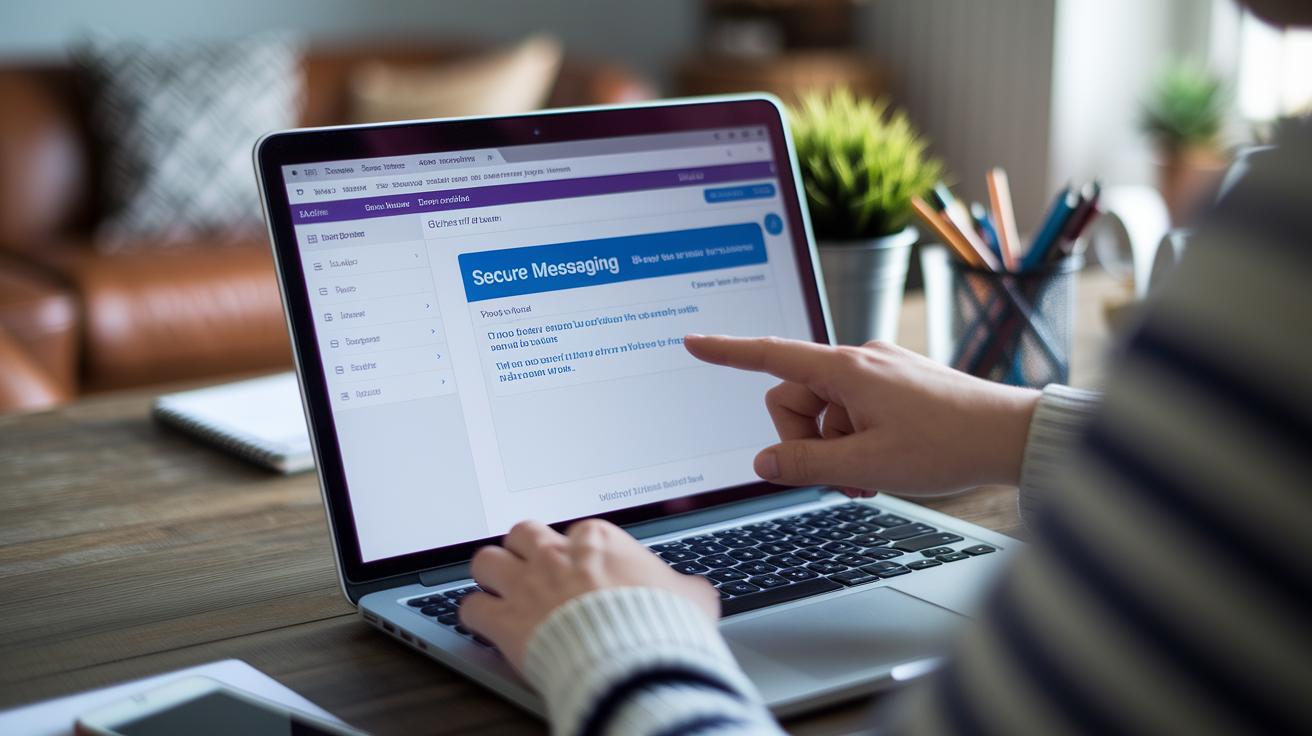
Veterans can easily use the secure messaging feature through the My HealtheVet portal. This tool lets you talk safely with your VA healthcare team about everything from refill requests to appointment questions. When you log in with DS Logon Level 2 or a PIV card, your identity is checked carefully, like locking a diary with a trusted key. The whole process is simple and clear, so you'll know exactly what to do from signing in to reading replies. Imagine getting a message that feels as warm as a note from a friend. The VA even provides step-by-step instructions, so if you're new to online messaging, it won’t be confusing at all.
- Visit the My HealtheVet portal.
- Sign in using DS Logon Level 2 or your PIV card.
- Click the "Secure Messaging" link.
- Follow any prompts to verify your identity.
- Click "Compose New Message" and choose the right recipient.
- Write your message, send it, and then check your "Inbox" for a reply.
Following these steps makes managing your healthcare online both easy and reassuring. If you ever feel unsure, perhaps about clicking "Compose New Message", just think of it as starting a private chat with someone who cares about you. This service works like sending a friendly note while keeping your personal details safe. By following this login and messaging process, you can rest easy knowing each communication is kept secure. The VA’s clear instructions help you stay connected with your healthcare team in a safe, straightforward way.
Security and Privacy Protocols in VA Secure Messaging
VA Secure Messaging keeps your health information safe using strong, multi-layer encryption both while it's traveling and when it's stored. In simple terms, every bit of your data is locked up tight as it moves from your device to the VA systems. Imagine sending a secret note in a bottle that only the person you trust can open.
The messaging service sticks to strict federal privacy rules and meets HIPAA (healthcare privacy rules) standards, which means your details are treated like the most private conversation between close friends. For example, a veteran can share a message about a medication need knowing that these strong rules are in place to protect that information.
VA Secure Messaging is checked regularly through routine security audits and follows clear encryption standards set by the VA. These regular checks ensure that all safety measures are working as they should and that every update keeps your data secure. This careful approach makes every message feel as safe as a note passed in confidence among trusted friends.
Troubleshooting VA Secure Messaging Issues

Sometimes veterans run into trouble logging in or sending messages with VA Secure Messaging. You might see login errors, issues confirming your identity, problems with message delivery, or difficulties uploading files. It can be frustrating when you need the service most. Often, these hiccups come from your browser settings or temporary VA system problems.
- Clear your browser cache and cookies
- Use a supported browser like Chrome, Edge, or Firefox
- Check your DS Logon Level 2 status
- Look for VA system status updates
- Call the Secure Messaging Help Desk
Each tip here is meant to tackle a specific problem. Clearing your cache and cookies washes away old data that might block you from logging in. Using a supported browser makes sure everything works as it should. Checking your DS Logon Level 2 status confirms you have the right permissions. Keeping an eye on VA system updates helps you know if the issue is on their side. And if nothing else works, a quick call to the Help Desk can offer you the support you need.
If you still have challenges, please try these steps and reach out for help. We’re here to make sure you stay connected with your healthcare team.
va secure messaging: Empowering Health Connections
Veterans like John have discovered that VA Secure Messaging makes it simple to reach out to their healthcare team when every moment counts. John remembers, "I got a fast reply from my provider when I needed help with my condition; it felt like a lifeline." His words show how this service connects care even when travel or in-person visits aren’t easy.
You can even customize the messaging experience to fit your needs. For example, turn on notifications so you know as soon as a new message arrives. Setting daily message alerts can help you keep track of your health schedule and important appointments without any extra hassle.
VA Secure Messaging now works in step with other digital services like telehealth. Veterans enjoy the benefit of having all their appointment details, medication reminders, and follow-up advice in one secure spot. This smooth integration makes managing healthcare less stressful and more connected for every veteran.
Frequently Asked Questions About VA Secure Messaging

If you're a veteran, you can sign up using your My HealtheVet Premium account or DS Logon Level 2 credentials. Signing up is simple. You just visit the official VA secure messaging page, verify your identity, and quickly set up your account so you can safely communicate with your care team.
Having trouble logging in? Try checking that you entered your details correctly and that your DS Logon Level 2 is active. You might also clear your browser’s cache or switch to a supported browser. And if the problem continues, the VA support team is ready to help you out.
Wondering how fast you’ll get a reply? Usually, veterans receive a response within three business days. This gives your care team enough time to review your needs and respond thoughtfully.
Is your data really secure? Absolutely. VA Secure Messaging uses strong encryption to protect your messages both when they are sent and while they are stored. This means your personal health information stays safe and private every step of the way.
Final Words
In the action, this article broke down how VA Secure Messaging connects veterans with their healthcare team. It described account setup, key features, and simple tips for overcoming common issues.
The post showed how clear instructions and secure tools can improve patient care. Highlighting privacy, convenience, and reliable encryption, the blog makes it easy to see that va secure messaging is a vital part of modern healthcare communication. Enjoy smoother, secure interactions that truly make a difference!
FAQ
How do I log into VA Secure Messaging?
Logging into VA Secure Messaging means visiting the My HealtheVet portal and signing in with your DS Logon Level 2 or PIV credentials. This process offers a secure space to communicate with your VA healthcare team.
How do I sign up for VA Secure Messaging?
Signing up for VA Secure Messaging involves creating a My HealtheVet Premium account and verifying your identity with DS Logon Level 2. This setup secures your connection with the VA care team and protects your messages.
What should I do if VA Secure Messaging is not working?
If VA Secure Messaging isn’t working, start by clearing your browser cache and using a supported browser. Then, verify your DS Logon Level 2 status and contact the Secure Messaging Help Desk if issues persist.
Is accessing VA messaging through VA.gov secure?
Accessing VA messaging via VA.gov is secure because the system uses multi-layer encryption, meets federal privacy requirements, and follows strict security protocols to protect your personal health information.

