
Have you ever wondered if your messages are truly safe? Secure messaging tools make it easy to keep your chats private, almost like sending a sealed letter. They use high-tech codes that wrap your words tightly, so only you and the person you trust can see them.
Imagine your messages are locked away in a digital safe. It gives you a sense of ease knowing your private conversations stay that way. In this post, we explain how these tools protect your personal details, making sure your information stays private and secure.
How Secure Messaging Platforms Ensure Privacy and Encryption
Have you ever wondered how your private chats stay truly private? Secure messaging apps use something called end-to-end encryption, which means only you and your friend can read your messages. Even the service provider, a hacker, or anyone else won’t be able to sneak a peek.
Take Signal, for example. When you send a message there, it’s encrypted so well that not even Signal’s team can read it. That’s like locking your words in a safe that only you and your buddy hold the key to.
These apps often refresh their encryption keys during your conversations. They also keep very little extra information, so there’s no record of who you chatted with or when. Many of them use open-source code, which means security experts can check the system for any flaws, making it even more trustworthy.
Before making it to the top, secure messaging apps go through rigorous testing. They’re reviewed thoroughly so that trusted tools like Signal, Threema, and WhatsApp meet high standards, ensuring your personal and health-related details stay safe.
Core Security Features of Secure Messaging Platforms
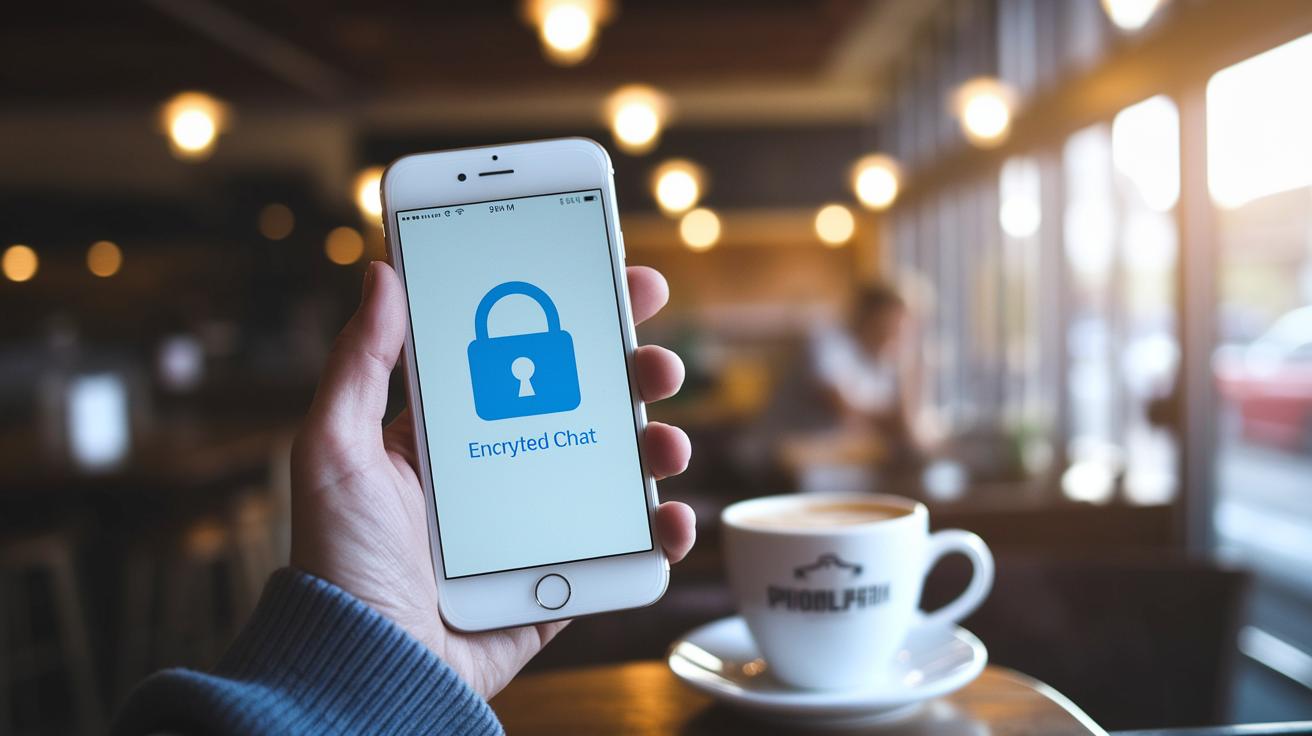
These platforms use a mix of smart tools to keep your chats safe and private. With end-to-end encryption, only you and the person you’re talking to can read your messages. It’s like sharing a secret in a special language that only the two of you understand.
Forward secrecy steps it up by changing encryption keys for every session. So even if one key is leaked, your old chats stay secure. Metadata minimization means the system doesn’t keep extra details like who messaged whom, when, or where – almost like erasing footprints after a quiet walk.
Self-destructing messages add extra privacy by automatically deleting the content on both devices after a set time. Imagine a message disappearing as quickly as a snowflake melts in the sun. Group messaging encryption makes sure chats with multiple people are just as secure as one-on-one conversations. And multi-device sync lets you access messages on different devices safely by using secure key sharing without storing your history on central servers.
Together, these features build a chat tool that focuses on privacy, with every measure playing its part to protect your data.
| Feature | Description | Benefit |
|---|---|---|
| End-to-end Encryption | Your messages are scrambled so that only you and your chat partner can understand them. | Keeps your conversation private from start to finish. |
| Forward Secrecy | The encryption keys refresh with every chat session. | Helps protect old messages even if a key is exposed. |
| Metadata Minimization | The system avoids storing extra details like who chatted and when. | Reduces any chances of your chat habits being tracked. |
| Self-destructing Messages | Messages are set to delete automatically on both devices after a preset time. | Prevents sensitive information from lingering on your devices. |
| Group Messaging Encryption | Applies the same secret code protection to group chats as one-on-one chats. | Ensures privacy remains strong even in large conversations. |
| Multi-device Sync | Securely shares keys to access your messages on different devices without storing them centrally. | Keeps your chat history safe across all your gadgets. |
Top Secure Messaging Platforms Reviewed
Signal
Signal is a safe and open tool that keeps your messages, calls, video chats, and even backup texts secure. It automatically uses end-to-end encryption so that your chats are private whether you're texting one person or a whole group. And because its code is open for review, experts regularly check it for security. It’s like having a trusted lock that many have inspected for safety.
Threema
Threema stands out with its paid model and a focus on keeping your identity hidden. You don't need to share your phone number or email, instead, you get a special anonymous ID. The app doesn’t log your IP address, meaning your private conversations stay private. This design makes Threema great for anyone who really values their privacy.
WhatsApp is a popular messaging app that many people use every day. It uses end-to-end encryption by default, so your texts and calls are secure. Still, some worry about data collection because it’s owned by Facebook. Even with these concerns, WhatsApp remains a favorite because it mixes ease-of-use with solid encryption to protect your daily chats.
Telegram
Telegram brings some cool features to the table, such as disappearing messages that vanish after a set time. This extra option adds a layer of privacy. However, its cloud chats do not have end-to-end encryption by default. If you like adjusting how long your messages last while using a feature-rich app, then Telegram could be a good choice for you.
Other Notable Platforms (Wire, Wickr, Silence)
Other secure apps like Wire, Wickr, and Silence also deserve a mention. Wire meets strict European privacy laws. Wickr doesn’t ask for personal details during sign-up. And Silence provides encryption even when offline. Along with Signal, Threema, WhatsApp, and Telegram, these platforms offer plenty of options to keep your messages secure and simple to use.
Compliance and Regulatory Standards for Secure Messaging Platforms

Secure messaging platforms need to follow strong rules to keep sensitive information safe in areas like healthcare and finance. These rules guide the way messages are protected so that your data stays just as safe as locking your private thoughts in a well-guarded vault. A HIPAA (healthcare privacy rules) compliant chat, for example, uses end-to-end encryption, audit logs, and data-at-rest encryption. It’s like having a trusted friend who always looks after your secrets.
Meeting these regulatory guidelines means covering several important areas. Let’s take a quick look:
| Regulation | Key Focus |
|---|---|
| HIPAA | Uses encryption, audit trails, and breach alerts to keep health information private |
| GDPR | Keeps data to a minimum, requires user consent, and lets you ask to erase your information |
| CCPA | Gives you more control over how your personal data is used and stored |
| ISO/IEC 27001 | Shows that a company follows strong, organized security practices |
| FINRA | Sets rules for how financial data is stored and monitored |
Following these rules builds trust and keeps data secure. Think of it as adding extra locks to your door, each regulation acts as another lock, making it much harder for anyone unwanted to break in. This careful approach not only keeps privacy a top priority but also helps improve security measures over time.
Integration and Deployment of Secure Messaging Platforms in Business Environments
For IT teams, adding secure messaging to your everyday workflow is a smart and safe move. With tools like APIs and SDKs, you can weave a secure chat feature right into your CRM, help-desk software, or custom apps. Imagine your customer dashboard lighting up with a private, convenient chat, almost like getting a quick, secure note from a friend.
No-code automation connectors are here to help too. They work with popular tools like Microsoft Teams, Slack, ChatGPT, and Jira. Suddenly, your apps feel like a well-oiled team that chats seamlessly, making your workday a little easier and a lot safer.
Security in business isn’t just about strong encryption. It also means making sure every team member can get to confidential conversations without a hitch. Features like single sign-on (using one secure login for all your apps), mobile device management (keeping mobile data safe), and detailed admin controls make all the difference by keeping operations smooth and secure.
Before you roll everything out company-wide, IT teams can run a pilot deployment. Think of it as a dress rehearsal that helps spot any integration hiccups early on, paving the way for a confident, privacy-focused messaging experience.
secure messaging platforms: Privacy Made Simple

Define Security and Compliance Requirements
Begin by talking about what security means for your business. Think about the kind of data you handle, whether it’s patient records, financial details, or everyday messages, and decide on the basic safety rules you need. For instance, a small business might need encryption that meets industry standards without adding extra complexity. It’s surprising how many companies miss that tailoring security to your actual data use can help avoid risks.
Evaluate Encryption Protocols and Source Code
Next, take a close look at how your messages are protected. Consider using well-known methods like Signal Protocol or Double Ratchet. Also, think about choosing an app that is open-source, where experts can easily review the code for hidden errors. This approach helps catch any problems early on, keeping your information safer.
Conduct Pilot Testing and User Feedback
Now, run small tests with your chosen platform. Let a few users try out group chats, file sharing, and other features to see if they work well in everyday situations. Their feedback is valuable, it ensures that everything is secure and user-friendly before you fully roll out the system.
Compare Pricing Models and Licensing
Take some time to compare different plans, whether they are free, freemium, or enterprise options. Weigh the cost against the benefits of strong encryption and extra features. This way, you can choose the plan that fits both your budget and your security goals.
Plan Rollout, Training, and Ongoing Maintenance
Finally, create a step-by-step plan for introducing your secure messaging platform. Include training sessions and ongoing support for users. Enhance your setup with extra protection like VPNs and schedule regular reviews. This helps keep your system secure and running efficiently, now and in the future.
Final Words
In the action of secure messaging platforms, the post highlighted how encryption, minimal metadata, and open-source testing build strong privacy for everyone. It walked through the detailed review of top apps like Signal, Threema, and WhatsApp. The discussion also covered compliance benchmarks like HIPAA and GDPR. Best practices for integrating and deploying these tools in healthcare workflows were shared clearly. Each step helps improve patient care while keeping data safe and sound. Embracing secure messaging platforms sets the stage for reliable, streamlined communication and a brighter future in health.
FAQ
Q: What are secure messaging platforms for Android and which ones top the list?
A: Secure messaging platforms for Android, such as Signal, WhatsApp, and Telegram, use end-to-end encryption to protect your conversations. These options are recommended for keeping your mobile communications private.
Q: Is Signal the most secure messaging app available?
A: Signal is widely regarded as one of the most secure messaging apps thanks to its open-source design and robust encryption measures. This makes it a trusted choice for those focused on privacy.
Q: What is the most secure messaging platform and the safest way to send text messages?
A: The safest way to send texts is by using apps like Signal that apply end-to-end encryption. This method ensures only the sender and receiver can read the messages, protecting your privacy.
Q: What is a good private messaging app for couples or secret chats?
A: For private communications, including couples’ chats, Signal offers strong encryption and privacy features. This ensures that shared messages remain confidential and accessible only to the intended recipients.
Q: How do apps like Messenger, WhatsApp, Telegram, Messages, and Google Chat compare in security?
A: Each app has a different security profile; WhatsApp and Signal offer default end-to-end encryption, while Telegram’s secret chats provide added privacy. Messenger and Google Chat follow their own policies, so choose based on the level of encryption you need.

