
Ever wondered if your chats are truly safe? Signal treats every message like a secret, locking them with strong end-to-end encryption. That means only you and the person you're messaging can see the content. Signing up is simple with just your phone number, so you only share the basics. Since 2020, millions have trusted Signal because it puts privacy first. In this post, we’ll explore how Signal’s secure setup gives you peace of mind every time you chat.
Key Reasons Signal Secure Messaging App Leads in Data Protection
Signal is a free messaging service that puts privacy first, working smoothly on your Apple, Android, or desktop device. You only need a phone number to sign up, which means Signal keeps the personal details they collect to a bare minimum. This simple approach helped Signal grow quickly, with over 40 million users by 2020, especially among those who really care about privacy.
Signal also protects your privacy by locking every message with end-to-end encryption. In simple terms, only you and the person you’re talking to can read your messages, even for things like sticker packs. And because it stores nearly no metadata, your chats don’t leave a digital trail. This focus on keeping things simple and safe builds a lot of trust among its users.
- Fully open-source Signal Protocol
- End-to-end encryption for texts, calls, and media
- Near-zero retention of metadata
- Customizable disappearing messages
- Group size limits for safer chats
These features work together to form a strong security system that not only keeps each message safe but also gives everyone using the app confidence in its privacy. Signal’s clear and consistent security practices help you communicate safely and confidently every day.
Signal’s Robust End-to-End Encryption Protocol Explained

Signal’s system uses open-source code that anyone can check. This means experts from outside can review the code for any weak spots and help keep the software safe. Since the code is public, independent reviews make it easy to spot and fix problems quickly. Imagine a security researcher finding a small error and suggesting a fix, that openness is what makes the system so strong.
The protocol uses strong codes and safe key exchanges to protect your chats. One key feature is forward secrecy. In simple terms, even if one session key is stolen, past conversations stay secure. Every new chat starts with a fresh key, ensuring that each exchange is protected from many online threats.
No matter if you send a text, a voice note, a video, or even a sticker, every message is locked down from start to finish. Signal covers all types of data with extra layers of security so that only the person you intended can read it. This thorough protection not only builds trust but also shows Signal’s clear commitment to keeping your communication private.
Signal Secure Messaging App Privacy Features
Signal lets you set messages to vanish after a certain amount of time. You choose how long the message lasts, and once that time is up, the chat disappears on its own. This helps keep your private details from lingering around too long. Group chats are also limited to 1,000 members, ensuring that discussions remain more private and secure. Setting a timer for a quick project update, for example, can give you a real sense of relief knowing your information won't stick around.
Signal keeps the data it stores to just your phone number. When you sync your contacts, the app only pulls in the numbers that are using Signal. This means your personal details stay out of a larger network, making everything more confidential, like putting your valuables in a secure place.
Every call you make and every photo or video you share is protected with end-to-end encryption. This means only you and the person you're communicating with can see or hear what's being sent. Whether you're on a voice call, a video call, or just sharing a picture, Signal makes sure your data is locked away from prying eyes. Imagine your video call being as safe as a secure vault where only you and your friend hold the key.
Signal Secure Messaging App Across Devices: Mobile to Desktop
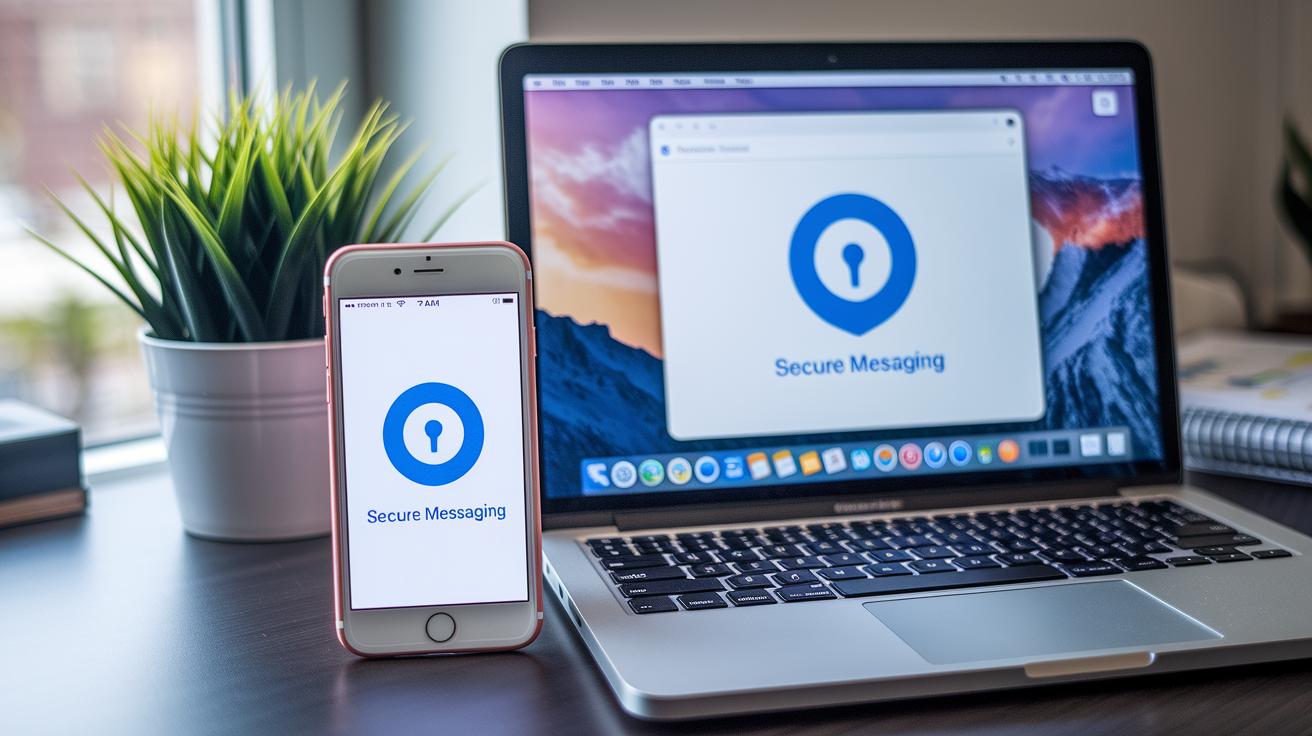
Signal lets you chat securely on your Android, iPhone, and desktop. It smoothly moves your encrypted messages from phone to computer so you can switch devices without losing your privacy. It works by syncing encryption keys from your mobile account, making sure your messages stay protected, whether you're on the go or at your desk. It’s like having a secure conversation that follows you wherever you are.
Android Encryption Messaging
On Android, you can download Signal from Google Play. After installing, it verifies your phone number using SMS and asks for permission to access your contacts. This simple step helps confirm that it’s really you connecting with others on Signal. The setup is quick and makes your chats secure right away, so you can start enjoying safe messaging immediately.
iPhone Privacy Messaging
iPhone users will find Signal in the App Store. Once you install it, SMS verification confirms your identity, and you can adjust your lock-screen notifications so that your messages stay private. This feature lets you manage your privacy easily while keeping the conversation secure. It’s all about keeping your personal information safe while still connecting with family and friends.
Desktop Secure Messenger
The desktop version of Signal is available for both Windows and Mac. To connect, you simply scan a QR code using your active Signal app on your phone. It pulls your encryption keys from your mobile account but also depends on your computer’s own security settings. So, while your messages stay encrypted, be sure to keep your computer secure too. This guide helps you carry your secure chats from mobile to desktop seamlessly, maintaining safety every step of the way.
Signal Secure Messaging App vs. Other Secure Messaging Platforms
Signal stands out from other secure messaging apps. Many platforms say they keep your chats private, but when you look closer, you see important differences that affect your safety. Signal uses strong end-to-end encryption for every single chat, which means only you and the person you're chatting with can read the messages. It also collects very little extra information (metadata).
On the other hand, WhatsApp uses the same Signal Protocol for encryption but still keeps lots of details like who sends and receives messages and when they are sent. iMessage, available only on Apple devices, relies on its own method that hasn’t been checked by independent experts, so it’s not as open about how it works. Meta Messenger only encrypts part of your chats, meaning some messages could be less secure. Telegram offers encryption when your messages move and are stored, but you have to choose this option, and its large group chat size can increase exposure.
| App | E2EE Default | Metadata Collection | Open Source | Group Size |
|---|---|---|---|---|
| Signal | Yes | Minimal (phone #) | Yes | 1,000 |
| Yes | Extensive | No | 256 | |
| Telegram | No (opt-in) | Some | No | 200,000 |
| iMessage | Yes | Apple-only logs | No | 100 |
| Messenger | Partial | High | No | 250 |
Signal’s strong focus on privacy and transparency makes it a trusted option for secure messaging. Its open-source code lets experts check its safety, and its careful approach to storing information shows its commitment to keeping your chats confidential. With robust encryption and manageable group sizes, Signal helps you feel secure and confident that your private conversations stay private.
Signal Download Guide and Secure App Setup Process

Start by downloading Signal from reliable sources like the Apple App Store, Google Play, or the official desktop installer. We’ve got separate instructions for Android, iPhone, and Desktop, but here’s a simple guide that everyone can follow to quickly find and install the app from places you trust.
Once Signal is on your device, open the app and verify your phone number by receiving an SMS. Signal then automatically checks your contacts to show you which of your friends are already on the platform. Imagine entering your number and seeing familiar names, it’s like reconnecting with an old friend through a secure chat! Next, allow access to your contacts and storage so you can start sending secure messages without any hassle.
Final Words
In the action, we explored Signal's privacy-first design, highlighting its simple setup, strong encryption, and minimal data collection. We broke down its top security measures and compared its benefits to other secure messaging options.
By reviewing everything from reliable end-to-end encryption to seamless cross-device support, we see how secure communication builds trust. The signal secure messaging app offers a safe, clear path for every health conversation, bolstering both care and confidence.
FAQ
Q: What is the Signal app?
A: The Signal app is a free, privacy-focused messaging service available for smartphones and desktops. It uses end-to-end encryption to protect all texts, calls, and shared media from unauthorized access.
Q: How do I download the free Signal app?
A: The free Signal app can be downloaded from the Apple App Store, Google Play, or the official desktop installer. It only requires a phone number to register and begin secure messaging.
Q: Is there a Signal web version?
A: The Signal service offers a desktop app that links to your mobile account via QR code. There is no standalone browser-based version, keeping your communications secure through the dedicated app.
Q: Is Signal a secure messaging app?
A: The Signal app is designed with strong privacy in mind. It uses end-to-end encryption for all content and retains almost no user data, making it one of the safest messaging options available.
Q: What is the controversy surrounding the Signal app?
A: The Signal app controversy often refers to debates about interface changes and privacy debates; however, its commitment to strong encryption and minimal data retention keeps user trust high.
Q: Why do people prefer to use Signal instead of regular texting?
A: People prefer Signal because it offers advanced encryption and minimal data storage, protecting personal conversations much more effectively than standard texting methods.
Q: Why might someone, like my husband, be using the Signal app?
A: Someone might choose the Signal app to keep conversations private. Its strong encryption and privacy-focused design offer a secure way to manage personal communications.

