
Have you ever thought that tracking your allergy symptoms might actually help you feel better? It’s not as mysterious as it sounds. With a digital symptom tracker, you can jot down every sneeze, cough, or itchy moment, noting exactly when it happens. It’s a bit like keeping score in your favorite game, allowing you to notice patterns and even catch triggers you might have missed before. This guide shows you how tracking your symptoms can simplify your allergy care and make your conversations with your doctor clearer.
Why Use a Symptom Tracker in Allergy Management
A symptom tracker is a handy digital tool that lets you record your allergy symptoms as they occur. It builds a neat, timestamped log where you can jot down the date, time, details, and even the intensity of your symptoms. Before the era of carrying bulky notebooks, many people discovered that switching to a digital log could completely transform their allergy management routine.
Using a symptom tracker means you can keep an eye on your reactions in real time. As you note your daily experiences, you'll be able to review and compare them later. Maybe you'll spot that your symptoms flare up when the pollen count is high, or perhaps a certain food sets them off. Writing these details down helps you see the complete picture and makes it easier to talk with your healthcare provider about your immune responses.
Seasonal allergies touch the lives of many, estimates suggest they affect anywhere from 10% to 30% of people worldwide. In the US, about 7.8% of adults deal with hay fever, and nearly 6.6 million children are diagnosed with allergies every year. These numbers really highlight why tracking your symptoms can guide proactive care.
Here's an example of what a clear and simple log entry might look like:
| Date | Time | Symptom | Severity |
|---|---|---|---|
| 2023-10-01 | 08:30 AM | Sneezing | 5 |
Selecting the Best Allergy Diary App for Symptom Tracking

When picking an allergy diary app to track your symptoms, it's best to look for features like custom fields, handy reminders, and easy ways to export your notes. Two apps that shine are Best Life Health Diary and Symple Symptom Tracker. With Best Life Health Diary, you can easily record detailed events such as your symptoms, any new foods or substances you encounter, and skin reactions. On the other hand, Symple Symptom Tracker lets you manage up to 10 different symptoms along with your medication doses and diet details, and it works well on both iOS and Android.
Here are some key things to consider:
| Feature | Why It Matters |
|---|---|
| Customizable Entry Fields | Helps you log the date, time, symptom details, and possible triggers with ease. |
| User-Friendly Interface | Makes your daily logs quick and straightforward. |
| Export Options | Allows you to share your symptom patterns easily with your doctor. |
| Device Compatibility | Ensures the app works smoothly on your chosen device. |
Imagine quickly jotting down a note like, "Logged mild sneezing at 7:15 AM on a high pollen day." Over time, these simple entries can help you see clear trends and pinpoint what might be causing your allergies.
Choosing one of these apps over a traditional paper diary is a smart move. It's low-cost, easy to use, and makes tracking your allergy symptoms much more efficient, helping you take charge of your health with confidence.
Logging Allergy Symptoms and Environmental Triggers with a Symptom Tracker
A symptom tracker is a handy tool that helps you record both your personal experiences and what’s happening in your surroundings. Start by noting the date and time of your allergic reaction. Describe what you felt, like sneezing, coughing, or a runny nose, and give it a simple score from 1 to 10. For instance, you might write, "At 7:45 AM on 2023-10-02, had sneezing with a severity of 5." This way, you create a clear record of your day.
Next, add a spot for environmental details. This means writing down things like the daily pollen count, air quality, and temperature. Other bits of data you can note include humidity, barometric pressure, ozone, carbon monoxide, nitrogen dioxide, and sulfur dioxide. Tracking these details helps you see if your environment might be affecting your symptoms.
Here’s how to make a complete log entry:
- Write the date and time of the event.
- Describe your symptom and give it a severity score.
- Note any possible triggers like certain foods, pollen, or stress.
- Include environmental details such as pollen levels and temperature.
Below is an example of a clear log:
| Date | Time | Symptom | Severity | Trigger | Environmental Data |
|---|---|---|---|---|---|
| 2023-10-02 | 09:00 AM | Runny nose | 6 | Pollen | Pollen Count: High, Temp: 75°F |
By gathering these pieces of information, you can spot patterns in your allergic reactions and gain more insight into how your surroundings might be influencing your health. Isn't it comforting to know you’re taking control of your well-being?
Analyzing Symptom Tracker Data to Identify Allergy Triggers
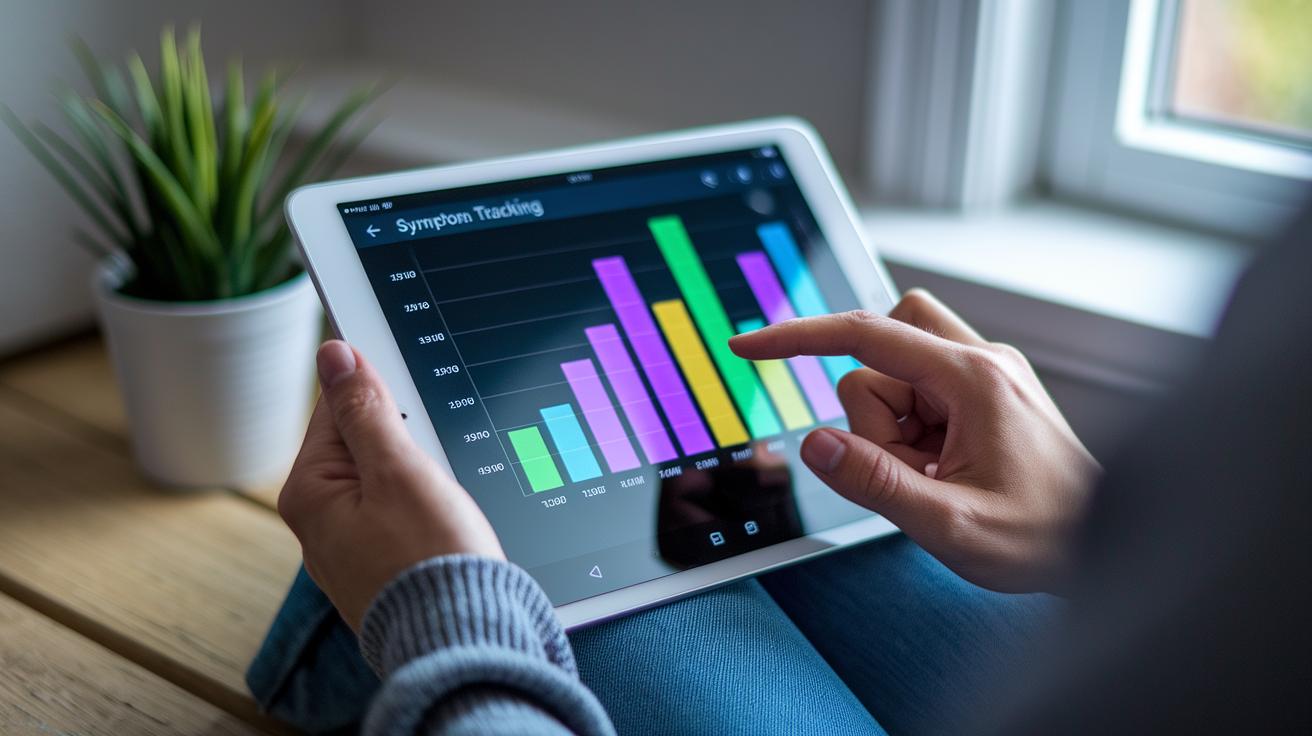
After tracking your symptoms for about 4 to 6 weeks, you can look closely at your log data and see clear trends. Use your app’s dashboard or export your logs to a simple spreadsheet. This lets you see patterns like when your symptoms get worse. For instance, you might notice that on days when the pollen count is high or after you’re around certain chemicals, your symptoms spike. Try making a chart that plots how often you feel symptoms at different times of the day. It might show, for example, that mornings or evenings are tougher for you.
Next, here are a few easy ways to review your data:
- Let your app turn daily symptom scores into friendly, visual displays.
- Export your data and use a spreadsheet to create custom charts with simple filters.
- Build graphs to show when symptoms peak each month, which can help you spot recurring allergens.
| Date | Symptom Score | Trigger |
|---|---|---|
| 2023-10-10 | 7 | Pollen |
| 2023-10-15 | 5 | Dust |
Using these insights can lead to better discussions with your doctor and help you avoid things that trigger your allergies.
Integrating Symptom Tracking with Your Allergy Treatment Plan
When you keep a simple diary of your allergy symptoms and treatments, managing your allergies becomes much easier. By writing down when you experience allergic reactions and noting the medicine you use, you can quickly see what is helping. For example, you might record, "Used nasal spray at 8:00 AM; by 10:00 AM, my symptoms felt a bit better." This side-by-side note can really highlight what works best for you.
You can also set up reminders on your phone to help you remember when to take your antihistamines or attend your immunotherapy sessions. Just jot down the time, dose, and a few notes on how well the treatment worked. Over time, these simple records can reveal patterns that help you and your doctor adjust your plan.
A quick-entry feature in your tracking app can be a big help, too. You might write something like, "9:30 AM – Took medicine; 10:00 AM – Symptom score dropped from 7 to 4." When you share these notes with your doctor, they can lead to meaningful chats about fine-tuning your treatment.
Real-time alerts on the app will also let you know if there are any sudden changes in your reactions so that any new issues get the attention they need.
Maintaining Consistency in Your Allergy Symptom Tracker Routine

Keeping your allergy tracker updated is a simple, yet powerful way to see patterns and spot your triggers. When you log your symptoms every day, even on the days you feel great, you build a clear record that makes managing your allergies easier. It’s like creating a personal diary that helps you connect your daily experiences with what’s happening around you.
Here are some friendly tips to help you stay on track:
- Set a daily reminder on your phone to make a quick note.
- Use easy entry options for those milder days.
- Try to make it part of your morning routine.
- Take a few minutes each week to look over your notes and fill in any gaps.
- Turn on push notifications in your allergy app so you never forget to update.
By using these simple tricks, tracking your symptoms becomes an effortless part of your day. Even when symptoms aren’t showing up, keeping a steady log builds a reliable tool that supports smart allergy management over time.
Final Words
In the action, we saw how a detailed digital log can help manage allergies by tracking symptoms, environmental triggers, and treatment responses. Breaking down logs by date, time, and severity gives clear, organized insights.
Recording patterns and pinpointing triggers makes sharing information with healthcare providers easier. Using a symptom tracker for allergy management empowers individuals to take charge of their health securely.
This approach brings clarity and hope for correct, informed choices every day.
FAQ
What is a food allergy diary PDF or app?
A food allergy diary PDF or app lets you record meals, symptoms, and triggers. It creates a personal record to help identify patterns and guide discussions with your healthcare provider.
How can a skin allergy app, food intolerance diary app, or allergy tracker app help manage allergies?
A skin allergy app, food intolerance diary app, or allergy tracker app offers an easy digital log to record symptoms, environmental factors, and exposures. This helps you spot trends and manage your condition effectively.
Is there a free allergy scanner app?
A free allergy scanner app detects allergens in everyday items by scanning labels or ingredients. It provides instant alerts, making it easier to avoid triggers and stay safe.
What is myAllergyPal?
myAllergyPal is an intuitive app designed to track allergy symptoms and exposures. It offers a personalized record of your reactions and helps you monitor your allergen management over time.
How do you track allergy symptoms?
Tracking allergy symptoms means noting the date, time, severity, and suspected triggers along with environmental details. This organized log reveals patterns and fosters better communication with your doctor.
What is the best and most accurate app for tracking allergies, and what is a food allergy and symptom tracker?
The best apps blend customizable logs, real-time alerts, and shareable reports. They record food intake and symptoms accurately to help correlate triggers with reactions and support effective allergy management.

