
Have you ever wondered if your emails are truly safe? Picture this: one quick tap on a secure send button, and your message is locked away with built-in encryption and a fast malware check.
These days, keeping your information private is more important than ever. Mimecast Secure Messaging helps you protect sensitive details, whether it’s key business data or personal notes, without any complicated setup.
It adds an extra layer of defense so you can focus on your work with the calm assurance that your emails are safe and sound.
Mimecast Secure Messaging: Boost Your Communication Security
Mimecast Secure Messaging is a straightforward way to send encrypted emails without needing to be an encryption expert. You can send your secure messages through Outlook, Mimecast for Mac, or a secure web portal , just click on “Send Secure” as you compose your email and rest easy knowing it’s protected.
This service is built to keep enterprise emails and other digital communications safe. It automatically applies encryption rules based on your email content or recipient, so you don’t have to fuss over the details. Every message gets scanned for malware, follows privacy and company policies, and is stored safely in an encrypted cloud archive.
Businesses appreciate the way this system cuts down on IT and administrative work because it handles security on its own. It also comes as part of a larger suite that includes AI-powered email threat protection, continuity, and archiving. That means it adds a clear layer of defense to protect sensitive information, whether it’s financial records, creative ideas, or even healthcare communications.
Users love that Mimecast Secure Messaging takes all the guesswork out of keeping their digital messages safe. After all, sending a message should feel as simple as clicking send!
- Easy-to-use interface
- Automated malware scans
- Encrypted cloud archive
Choosing this secure messaging solution means adding a reliable, hassle-free tool to your communication toolkit while keeping your best data protected and meeting all the important privacy standards.
How Mimecast Secure Messaging Works: Core Processes

Mimecast Secure Messaging makes sending encrypted emails simple and safe. Whether you're using Outlook, Mimecast for Mac, or the secure web portal, you'll notice a handy "Send Secure" button right when you need it. Just click that button while you're writing your email, and it sends your message with an extra layer of protection, almost like a built-in shield.
Every email you send is protected with AES encryption, a trusted method even for classified information. This means your message is secure while it's on its way and even when it's stored in an encrypted cloud archive. And it's not just your text; any attachments you send, like a healthcare form or a financial document, get the same strong protection along with a malware check during transfer.
The system also takes care of security rules automatically. Before your email reaches its recipient, it’s scanned for malware and checked against your company's guidelines. The portal even reviews the content and sender details to decide if any extra security steps are needed.
Every part of the process, from the easy-to-use interface to the strict security checks, is designed to keep your communications safe without adding any extra work for you.
Key Features of Mimecast Secure Messaging
Our solution offers true end-to-end encryption that keeps your messages safe. You can set up read receipts, decide when a message expires, and even stop others from printing or replying. Imagine sending a note that wipes itself out after being read, like a secret message that vanishes when its job is done.
Another neat feature is secure photo sharing. Every picture you send stays protected while it moves from one device to another, and it never automatically saves to your phone. Picture it as sharing a digital snapshot that stays locked up just like a treasure in a vault.
We also offer instant lockout and remote wipe options. If you ever misplace your device or it gets stolen, you can quickly lock it down and erase all sensitive data. In a flash, your information is safe from prying eyes.
Custom branding options let you make the interface your own. You can tailor things like alert settings and file size limits to fit perfectly with your company’s style. It’s like having a secure portal that mirrors your brand’s look, professional, warm, and unmistakably yours.
Setup & Integration of Mimecast Secure Messaging
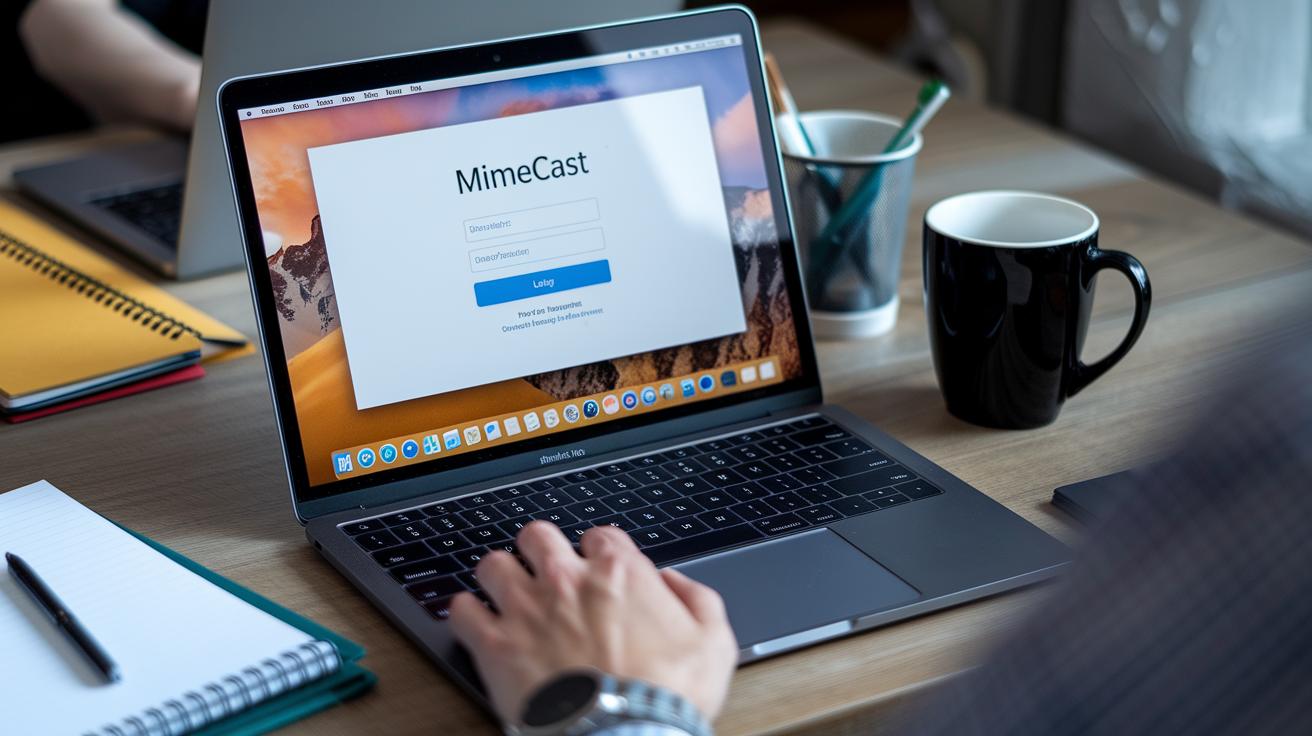
Mimecast Secure Messaging comes with a simple, step-by-step setup wizard that guides you through getting started on Outlook, Mimecast for Mac, and the web portal. New users enjoy a quick sign-up process that gets them going fast with very little fuss. IT teams also appreciate having easy-to-use administrator settings that let them control read receipts, message expiration dates, and even restrictions on printing or replying from the very start.
The process begins at a secure web portal that you access via a dedicated URL. Once there, you sign in through a straightforward method that can include extra security steps like multi-factor authentication. For example, you might need to type in your password and then complete a fingerprint scan. When you see a prompt asking, "Please verify your identity with a second factor, like a fingerprint or a passcode," you can feel confident that your data is secure.
Integration with Outlook is just as smooth. An easy-to-install Outlook add-in adds a "Send Secure" button right to your email interface. This feature ensures every message you send gets automatically encrypted without any extra steps. Plus, the mobile app mirrors the desktop experience so that your secure messaging stays protected whether you're at your desk or on the move. Imagine downloading an app that walks you through each stage, much like setting up your favorite secure app on your phone.
Here’s a quick checklist to keep things running smoothly:
- Set up the secure messaging wizard in Outlook, Mimecast for Mac, or the web portal.
- Confirm and configure multi-factor authentication.
- Install both the Outlook add-in and the mobile app.
- Adjust administrator settings for read receipts, expiration dates, and any restrictions on printing or replying.
| Integration Point | Feature |
|---|---|
| Outlook Add-in | Easy and secure message setup |
| Web Portal | Simple login with optional multi-factor authentication |
| Mobile App | Reliable, consistent secure messaging on the go |
Every step is designed to reduce IT hassles while ensuring your communication remains safe and compliant. Isn't it reassuring to have such a friendly, secure way to handle your important messages?
Mimecast Secure Messaging Security & Compliance
Mimecast Secure Messaging keeps your messages safe and meets health rules. It uses strong locks on your data so you always feel secure. With easy login ways like passwords, single sign-on, or even using your fingerprint or face scan, you get a little extra reassurance. Imagine seeing a screen that asks, "Please verify with your fingerprint" when you open sensitive health info!
For healthcare workers, this tool is a real help. It follows HIPAA rules (those are simple healthcare privacy rules) to keep patient information separate and private. The system even removes health details from screen pop-ups so others don’t see them. And when you send photos, they are wrapped in extra security, they are encrypted when they travel and won’t automatically save on your phone. It means whether you are sharing patient records or confidential office details, everything stays protected.
There’s even more. Mimecast Secure Messaging keeps a clear record of every message. This log helps during audits or routine checks. The tool also handles encryption keys and follows strict security steps. Together, these details create a safe space that meets tough business and health standards.
| Security Feature | Description |
|---|---|
| Easy Login Options | Use passwords, single sign-on, or biometrics like fingerprints and face scans to log in securely. |
| HIPAA Compliance | Keeps patient info separate and protects details from showing on screen. |
| Secure Photo Sharing | Encrypts images during transmission and stops them from auto-saving. |
| Audit Trails & Archiving | Logs every message, making it easier to review details during audits. |
| Encryption & Protocols | Manages encryption keys and follows strict rules to ensure safety. |
Usage Scenarios & Case Studies for Mimecast Secure Messaging

A healthcare provider recently started using Mimecast Secure Messaging in their virtual visits. Picture a doctor and patient sending secure text messages to share sensitive health details. Every message is built to protect personal health information. And when phone calls can’t be trusted in an emergency, this text-based method steps in as a reliable backup.
Over 42,000 organizations around the world rely on this solution. They use it not just in healthcare, but also to safeguard financial records, ideas, and other valuable data. Many share in community discussions how easy it is to set up and how it lightens the load for their IT teams. It’s clear that this tool has made communicating sensitive information a lot more confident and secure.
Here are a few real-world highlights:
- One regional hospital saw patient wait times shrink after switching to secure text alerts during emergencies.
- A multinational company experienced smoother audits and fewer admin issues after adopting Mimecast’s secure messaging.
These examples show how practical and dependable secure messaging can be, especially when clear, fast, and safe communication matters most.
Comparing Mimecast Secure Messaging: Full vs. Lite Versions
Mimecast offers two secure messaging solutions built for different needs. The full version is a complete package that comes with features like archiving, continuity support, and advanced BEC protection. It also lets you fully customize policies to meet tough enterprise demands. When you choose the full version, you get strong security, detailed administration controls, and a handy datasheet with limits on message size, uptime promises, and performance benchmarks.
The lite version, on the other hand, focuses on core encryption and secure messaging features. It’s designed for smaller teams or businesses that need a cost-effective solution while keeping administration simple and efficient. This version gives you essential protections without the extra complexity.
With a SaaS subscription, you can bundle several security tools under one license. This not only lowers costs but also reduces complexity, giving you the flexibility to scale your security as your organization grows.
| Feature | Full Version | Lite Version |
|---|---|---|
| Customization | Comprehensive | Basic |
| Additional Tools | Archiving, continuity, advanced BEC | Core encryption |
This straightforward comparison can help you pick the version that best meets your secure messaging needs. Take a look at the detailed technical datasheet for performance benchmarks and SLA guarantees, and choose the option that works best for you today.
Troubleshooting & Best Practices for Mimecast Secure Messaging

When something isn’t working right, start by checking for common login or sign-in problems. For example, if you get a message saying "Invalid credentials detected," take a look at the step-by-step guide in our troubleshooting error guide. This simple fix can solve the problem fast.
If you lose access, make sure to review the password recovery steps. Typically, you'll see a message that says, "When prompted to verify your identity, follow the password reset instructions via the control panel." This helps you keep using secure messaging without any interruptions.
For single sign-on issues, check that your network settings are correct and that your browser cache is updated. Often, logging out and then back in is all you need to clear up any small glitches.
Here are some best practices to keep everything running smoothly:
| Action | Tip |
|---|---|
| Portal URL | Check it often to avoid misconfigurations |
| Transmission Logs | Use the control panel to spot any issues |
| Security Policies | Review and update them regularly |
By following these steps and updates, IT administrators can quickly solve common issues while making sure that the system stays healthy and that secure messaging works perfectly.
Additional Resources & Next Steps for Mimecast Secure Messaging
We've got the official user handbook for encryption that explains advanced policies and administrator workflows in plain language. It walks you through setting up and managing secure messages with clear, step-by-step examples. Just open the handbook and follow the simple instructions to get your encryption settings right.
You can also download installation manuals for both desktop and mobile setups. Think of these guides like a recipe, they walk you through each screen so every setting fits perfectly.
Our online resource center is full of training materials, update bulletins, and FAQs that answer common questions. And if you need real-time help, our friendly customer support hotline is just a call away. There's also a community forum where peers share tips and success stories.
- Official user handbook for encryption
- Downloadable installation manuals
- Online resource center for training and updates
- Customer support hotline
These resources are here to help you use Mimecast Secure Messaging confidently and with ease.
Final Words
In the action, this article revealed how a clear setup and robust security features come together to simplify encrypted messaging. We looked at user-friendly options that support patient care while keeping sensitive data safe. Step-by-step guidance made the setup process less daunting for healthcare teams. Practical examples showed how streamlined workflows and secure data sharing put secure communication at the forefront of improved care. With all of this in mind, adopting mimecast secure messaging can truly boost both confidence and efficiency.
FAQ
Q: Mimecast secure messaging login
A: The Mimecast secure messaging login uses a secure web portal with multi-factor authentication. Users enter their credentials and verification codes to access encrypted messages safely.
Q: Mimecast Secure Messaging setup
A: The Mimecast Secure Messaging setup features a step-by-step process through Outlook, Mac, or the web portal. Clear instructions guide users to a quick and secure configuration without advanced IT skills.
Q: Mimecast secure messaging review
A: The Mimecast secure messaging review highlights robust encryption and ease of use. Experts appreciate its seamless integration with email clients and reliable performance for both IT teams and end users.
Q: Mimecast secure messaging app
A: The Mimecast secure messaging app offers a convenient way to send encrypted emails on mobile devices. It provides secure access and easy controls, ensuring messages stay protected wherever you are.
Q: Mimecast Secure Messaging Outlook plugin
A: The Mimecast Secure Messaging Outlook plugin integrates directly into Outlook. It enables users to send secure emails with one click while automatically applying encryption and compliance measures.
Q: Mimecast Secure Messaging size limit
A: The Mimecast Secure Messaging size limit is set to handle typical enterprise email attachments. Users should check the latest guidelines for precise limits when sending larger files.
Q: Secure messaging policy mimecast
A: The secure messaging policy in Mimecast automatically enforces encryption, malware scanning, and compliance rules. This ensures that confidential emails adhere to company security standards.
Q: Aetna secure messaging portal
A: The Aetna secure messaging portal provides a safe platform for sending confidential health information, with strong encryption measures similar to Mimecast’s approach, ensuring data is transmitted securely.
Q: What is Mimecast secure messaging?
A: Mimecast secure messaging is a confidential email solution that encrypts messages both in transit and at rest. It simplifies secure communication through automated rules and integrated malware checks.
Q: Is Mimecast secure messaging legit?
A: Mimecast secure messaging is a trustworthy service that meets high security and compliance standards. It is widely used in various industries to protect sensitive information with robust encryption.
Q: How do I send securely in Mimecast?
A: To send securely in Mimecast, click the “Send Secure” option in your email client or web portal. This action encrypts your message and attachments, ensuring they remain confidential.
Q: Does Mimecast automatically encrypt emails?
A: Mimecast automatically encrypts emails by applying preset security policies. Messages are scanned and encrypted based on sender and content rules, making sure all communications stay secure.

