
Have you ever thought that writing down a few small details about your day could change your visit to the doctor? When you note every symptom, even the tiny ones, your doctor gets a much clearer picture of your health.
This simple habit turns everyday feelings into an easy-to-read map of how you are doing. It leads to more focused conversations and better care.
Remember, great care starts with clear notes. The way you track your symptoms might be the difference between an average visit and the care you truly deserve.
Mastering Symptom Tracking for Doctor Visits
Keeping track of your symptoms before heading to your doctor's office can make your visit go much smoother. By noting everyday feelings, like when you’re asked, "How are you feeling?", you help your doctor see both the physical and mental sides of your health. Write down not only aches or pains but also moments of fogginess or anxiety. This way, your provider gets a clear view of your overall well-being.
A simple trick is to record your symptoms right when you notice them. Jot down the time, a brief description, how bad it feels, and any changes like a new medicine, meal, or a restless night. Think of this as your own guide to prepare for your appointment. For example, you might note, "Last Thursday, I felt very tired around 3 pm after I skipped my snack, and then I noticed a mild tremor." Little details like these can really help make your clinical notes more effective.
Digital tools can also be a big help in keeping your records. Many apps let you enter notes and even include features like pain ratings on interactive timelines. These tools might also work offline and send you reminders to keep up with your tracking. But if you like pen and paper, a simple journal works just fine as long as you keep your entries regular and clear.
Organize your notes by putting them in order of the day and time. This helps your doctor quickly spot any patterns that could change how your treatment plan is shaped. Good, clear records can lay a strong foundation for honest and helpful conversations during your appointments.
Selecting Digital vs Manual Systems for Symptom Tracking

When it comes to keeping track of your symptoms, digital systems such as health tracking apps can be a real game-changer. They let you see your progress through simple graphs and charts that show how your symptoms change over time. Imagine a chart that maps out your symptom severity over the week, it makes it so much easier for your doctor to understand your situation quickly.
These digital tools also store your information safely in the cloud, so you never have to worry about losing your records. They work even when you're offline, and you can tailor the forms to your needs. For example, you could add a voice note about feeling down, and it would automatically connect to your mood chart.
On the other hand, a paper journal might feel straightforward, but it doesn’t offer these extra features. Paper logs can get misplaced and may not capture every detail of your daily changes, making it harder to share a full picture with your provider.
| Key Benefit | Description |
|---|---|
| Cloud Backup & Offline Capture | Your data stays safe in the cloud and is still accessible without an internet connection. |
| Customizable Entries & Reminders | Personalize your entries and get push notifications to keep your records updated. |
| Wearable Integration | Sync your wearable devices to track vital signs alongside your symptoms. |
For instance, you might try my symptom checker, a tool that uses AI to log your details automatically. In the end, the best choice depends on how much detail and tech support you need to track your health. Explore more digital health tech options to find the method that works best for you.
Structuring Symptom Logs for Clinical Clarity
Try using clear headings in your symptom log to build a simple, reviewable record. This format makes it easy for your provider to follow along with your health updates.
Begin by breaking your log into sections like these:
- Date & Time
- Symptom Summary
- Severity (for instance, on a scale of 1 to 10)
- Contributing Factors (for example, medication, meals, or activities)
- Observations or Extra Notes
For example, you might write: "April 20, 2:00 PM – Felt a moderate headache after lunch (Severity: 5/10) following a recent medication change."
Another option is to use a table to show your clinical history. See the example below:
| Date & Time | Symptom Summary | Severity | Factors/Notes |
|---|---|---|---|
| April 20, 2:00 PM | Headache | 5/10 | After lunch, post medication change |
Using a consistent format like this helps you create a complete, easy-to-read record that your doctor can review quickly.
Leveraging Symptom Data Visualization in Your Doctor Visit
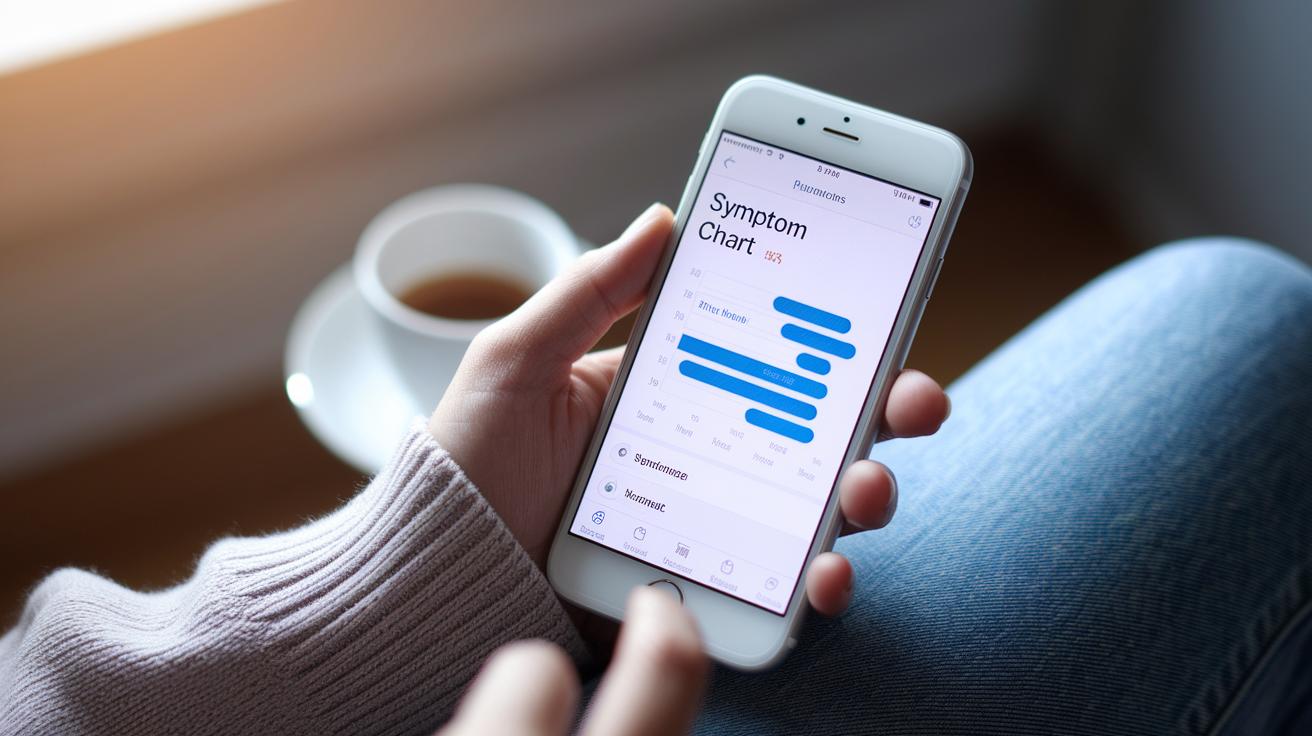
Visual snapshots can make your doctor visit more engaging. For example, a chart that tracks your symptoms can show your doctor exactly when your pain peaks and your energy dips. You might explain, "On June 5 at 3 PM, my pain spiked, then eased after a short walk." This clear picture helps your doctor make decisions more quickly.
Apps on your phone can mix simple numbers with your personal notes. Imagine a timeline that marks key moments like when you took your medicine or when you rested. This tool helps your doctor see how important readings such as blood pressure or sleep data match up with how you felt during the day.
Using these visual tools turns everyday notes into an easy-to-understand health story. It opens up a friendly conversation where you and your doctor can figure out what might have influenced your symptoms.
| Tool | Benefit |
|---|---|
| Symptom fluctuation chart | Shows clear ups and downs in how you feel |
| Interactive health timeline | Links daily events with your personal health numbers |
Presenting Symptom Tracking Records During Doctor Consultations
Having a clear symptom record can really help you during your doctor visits. It lets you share exactly how you’re feeling so your doctor can quickly understand what’s happening. Think of it like bringing a little notebook filled with notes about your health, each detail can lead to a better, more focused conversation about your care.
When you jot down things like the day you felt a headache or any changes after taking medicine, it makes it easier for your doctor to see patterns and adjust your treatment. For example, you might write, "On April 15, I had a steady headache with a pain level of 6, but it got better after I took my medication." Small notes like these shine a light on what matters most.
Using a checklist for your visits can ease your mind, too. You might want to include:
- The main discomfort or worries you’ve noticed
- How you’ve been sticking to your medication schedule
- Any new symptoms or changes in your treatment
- Questions you want to ask during the visit
Bringing this organized record not only saves time but also helps you and your doctor focus on the most important details during the appointment. Isn't it nice to feel prepared and understood?
Templates and Checklists for Effective Symptom Tracking

When you download or print one of these templates, you'll find clear sections to record your symptom rating, note possible triggers, log the duration, and even leave room for comments from your provider. For instance, you might note something like, "September 12, morning – headache (6/10), probably triggered by skipping breakfast." This simple note helps you see what you’re experiencing at a quick glance.
Another great tool is a health review checklist. It lets you capture a weekly summary of your biggest symptoms, new triggers, and any important changes. This organized method can help you notice patterns over time. A basic checklist might include:
- Daily symptom rating
- Notable triggers and activities
- Medication times and any changes
- Overall weekly health notes
There are also free, customizable symptom-checker templates available, like the one at symptom checker free. These handy templates give you a consistent way to track your symptoms so you can easily share your journey with your doctor when you visit.
Final Words
In the action of tracking symptoms, we explored practical steps to capture and present detailed health data for better doctor visits. We walked through tips on choosing digital tools, setting up clear logs, and using visuals to share key patterns.
This guide shows that effective symptom tracking for doctor visits not only streamlines clinical workflows but also supports precise, timely care. Keep refining your method and enjoy the benefits of improved patient communication and care every day.
FAQ
Q: What does the best medical symptom tracker offer?
The best medical symptom tracker offers clear, organized logs with features like data visualization and customizable forms, making it easy to prepare accurate health records for your doctor.
Q: What free symptom tracker apps are available for chronic illnesses?
Free symptom tracker apps provide tools to record daily symptoms, create charts, and set reminders. They are ideal for chronic illnesses by offering an easy way to track and review health trends.
Q: What are good templates for tracking symptoms and appointments?
Templates help organize daily symptom logs and appointment details, offering structured forms for recording severity, triggers, and follow-up questions to prepare clear information for healthcare providers.
Q: What is a medication symptom tracker PDF?
A medication symptom tracker PDF is a downloadable form that lets you record symptoms and medication effects over time. It makes sharing organized health details with your provider simple.
Q: What does a bearable symptom tracker mean?
A bearable symptom tracker is designed to be user-friendly and accessible, making the process of recording daily symptoms less overwhelming and more straightforward.
Q: How do you keep track of doctor visits and medical symptoms?
Keeping track involves using digital or paper records, structured templates, and visual charts. This method records appointment details, symptom descriptions, and progress notes for clear healthcare communication.
Q: Do doctors recommend googling symptoms?
Doctors typically advise against googling symptoms and instead encourage maintaining detailed, documented records to provide accurate information during consultations.

