
Have you ever wondered if just a few clicks could reveal early hints about your health? A symptom checker on a website does exactly that by quickly comparing over 1,500 symptoms with 800 conditions to offer a helpful glimpse into what may be happening. Back when waiting times were long, getting even a small peek into your health felt nearly impossible. Today, this simple tool gives you a reliable look at your health so you can be more informed. Ready to see how a few easy questions can provide valuable health insights? Let’s take a closer look at this practical online resource.
How a Website Symptom Checker Provides Preliminary Health Triage
A website symptom checker is a handy online tool that helps you look at your symptoms quickly. It uses an AI system to compare what you’re experiencing with information on more than 1,500 symptoms and 800 conditions. Imagine how different things were in the past when people often had to wait days or even weeks for a basic check-up, now, a few clicks can offer early clues about your condition.
This tool is made to give you trustworthy information. It explains that the advice it provides is for learning only and shouldn’t replace guidance from a doctor. Underneath, it uses a class 1 preliminary diagnosis system that meets CE marking standards (which means it follows strict safety rules in Europe). This technology is supplied by Infermedica, a name you can rely on in digital health.
Using the symptom checker is simple, almost like having a friendly conversation about your health. You start by answering a few guided questions about your symptoms, with the tool prompting you to mention the most important ones first. This clear process helps the AI understand your situation better and provide more accurate insights.
- It walks you through your symptoms step by step.
- It offers clear suggestions on what you might do next.
- It provides useful health information that reminds you to follow up with your doctor.
In the end, this symptom checker gives you a quick look at your health while making it clear that any advice should be discussed with a qualified healthcare provider first.
Step-by-Step Symptom Entry on a Website Symptom Checker
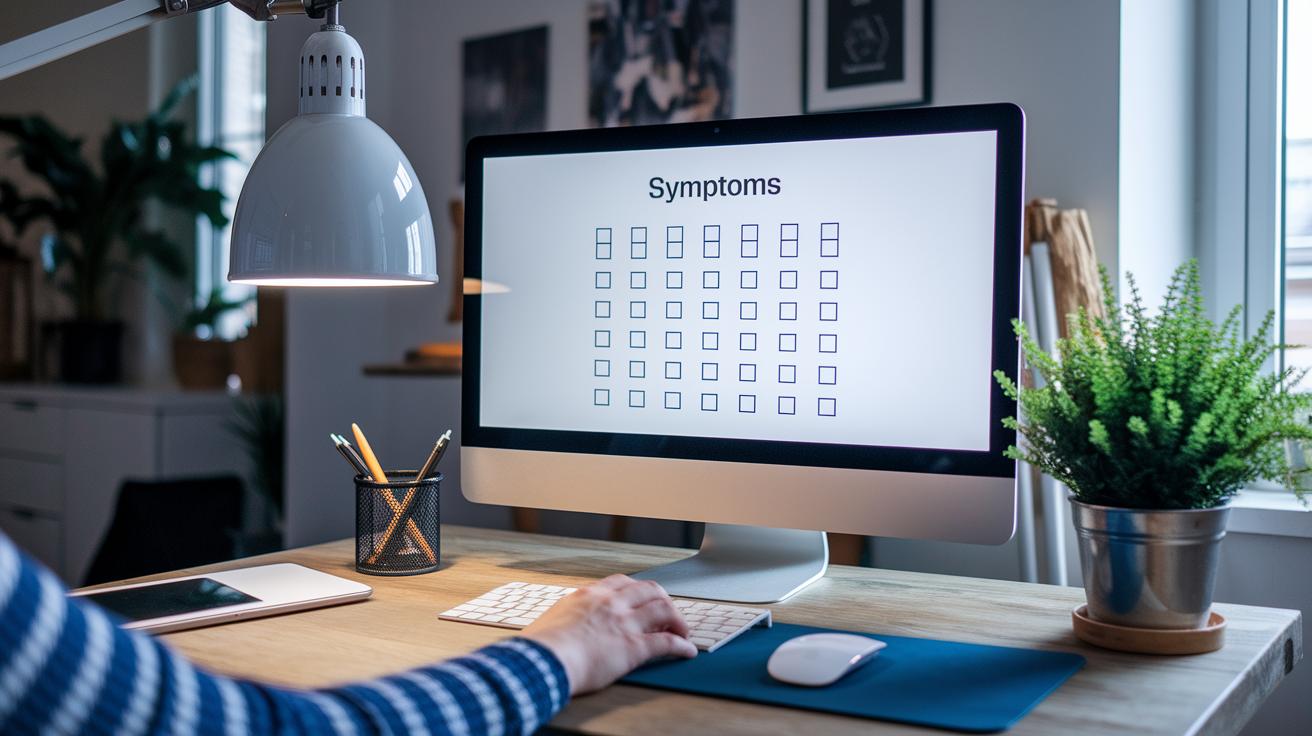
When you visit the site, you'll find a friendly tool designed to make entering your symptoms as easy as checking off items on a list. At the start, you'll see clear checkboxes with options like headache, fever, and nausea. This simple list helps you quickly mark the signs you’re experiencing.
Next, the system asks for a few basic details, such as your age and gender, and invites you to rate the severity of your symptoms. It’s best to begin with the one that feels most troubling. For instance, if you’re experiencing pain in your stomach, it’s clearer to write "abdominal pain" rather than a vague description like "my belly hurts." This kind of detail helps tighten the accuracy of the analysis.
Friendly, step-by-step tips guide you throughout, suggesting that you use specific medical terms when possible. This makes it easier for everyone, even if you're not used to medical lingo, to provide the right information and get strong, helpful insights about your health.
| Step | Action |
|---|---|
| 1 | Select checkboxes for your symptoms (e.g., headache, fever, nausea). |
| 2 | Enter your age, gender, and rate the severity of each symptom. |
| 3 | Describe your symptoms specifically (e.g., “abdominal pain” instead of “belly hurts”). |
Decoding Website Symptom Checker Results: Conditions and Recommendations
When you type in your symptoms, our smart AI takes a quick look and hands you a list of possible conditions ranked by how likely they are. It shows simple risk levels like low, medium, or high and even suggests what steps you might consider next. For instance, you might see something like, “Your symptoms suggest a 70% chance of a minor respiratory infection.” This isn’t a formal diagnosis, it’s there to help guide you.
Right next to each condition, you’ll see clear probability scores that help you understand which conditions are more likely. Imagine a situation where a checker scores a condition at 85%, this might prompt someone to call their doctor without delay instead of waiting around. The on-screen tips work like a free health check that offers a clear next step for you.
Each condition comes with a little note reminding you that these results are for information only. It’s like having a self-service health check that supports your understanding without replacing professional advice. The tool helps you think about whether your symptoms might need a doctor’s attention or if you can safely keep an eye on them at home. All in all, it offers a straightforward look at your symptoms to help you decide on safe and smart actions for your health.
Legal and Medical Disclaimers on Website Symptom Checkers

Our medical self-assessment portal is here to provide you with friendly, general health information. It uses an AI clinical evaluator to offer a quick look at your symptoms, much like noticing a soft but unusual noise in your car that might mean it’s time for a professional check. It isn’t meant to give a definitive diagnosis or replace a doctor’s advice.
When you use this portal, you’re agreeing to our terms, conditions, and privacy policy. Think of this notice as the complete legal overview for our service. We want to be clear that the tool is only a starting point and isn’t a substitute for professional medical care.
Before making any health-related decisions or changes, please consult a qualified healthcare professional who can offer advice tailored to your personal needs.
Safeguarding User Data: Privacy Policies in Website Symptom Checkers
Privacy policies act like a protective shield for your health information. They explain in simple terms how your symptom data is collected, stored, and used. When you enter your symptoms, your details are safely handled using secure methods like encryption and controlled access. Plus, the policy clearly lays out how you choose what gets shared or stored, keeping you in control.
These websites treat data security as a top priority. They work with secure systems that stop unauthorized access and keep your sensitive details safe. The policy also explains how your information may be anonymized if it ever helps improve the service, and it tells you when extra permissions might be needed. With these careful steps, you can trust that your data is managed with both care and confidence.
The AI Engine Behind Your Website Symptom Checker

Our engine carefully reviews what users share. For instance, when someone reports "sharp lower right pain," it homes in on those exact words to help highlight issues that might need extra care.
Then, the system checks its findings with advice from real doctors. So if a user mentions "persistent chest discomfort," the engine compares the details with clinical data while healthcare experts refine the results. This way, you can trust that the feedback is both clear and medically sound.
It also connects with a broad network of digital health technology, like the one at https://healthyfax.com?p=694, to match even small differences in what you say with the right clinical guidelines. This helps ensure that every assessment is as accurate as possible.
Next Steps: When to Seek Professional Care After a Website Symptom Checker Session
After using the symptom checker as a quick self-check, it's important to know when a doctor's help is needed. The tool hints that certain signs, like chest pain or a high fever, should make you act fast. For example, if you experience severe chest pain, you might want to call your doctor or visit urgent care right away. This easy-to-use guide helps you spot red-flag symptoms that could mean something more serious is going on.
If your symptoms stick around or even get worse even after using the checker, it's best to reach out to a trusted health provider. The tool advises that any worrisome signs, such as non-stop chest discomfort, very shortness of breath, or a fever that just won't drop, deserve a closer look. It reminds us that a quick check is only the first step, real care means talking to a professional.
- Keep an eye on your symptoms, and if they don't improve, contact a health professional.
- If you notice new or severe symptoms, get help right away.
Think of the tool's advice as a starting point for your care. When you're unsure about what's happening, it's wise to lean on health experts and even use telehealth services if that's easier. Your well-being is important, and combining online checks with professional advice is a smart way to keep your health secure.
Final Words
In the action, this article explained how a website symptom checker guides early health triage. We covered simple steps for symptom entry and clear tips for reading the risk levels. It touched on legal details, privacy protections, and the role of AI in sorting through symptoms. This friendly tool points you in the right direction when health questions arise. Remember, the website symptom checker is an insightful first step that works best when paired with advice from a trusted healthcare provider.
FAQ
What is a free multiple symptom checker and how does it work?
A free multiple symptom checker uses AI and smart design to review many signs at once, giving you initial health insights and guidance, while stressing that it does not replace advice from a health professional.
Is the WebMD symptom checker reliable?
The WebMD symptom checker provides basic information by matching your signs with trusted guidelines. It offers helpful tips but should be used as a starting point, not a substitute for professional medical advice.
Who has the best symptom checker?
The best symptom checker depends on your needs. Look for one that safely evaluates your symptoms with clear, rank-ordered results and transparent data privacy practices for a supportive initial health review.
Can I google symptoms instead of using a symptom checker?
Googling symptoms might give mixed results, but a dedicated symptom checker is designed to ask detailed questions and provide structured information, making your initial health review more focused and user-friendly.
What are some examples of popular symptom checkers?
Popular symptom checkers include tools like Isabel and Ada. They work by having you enter a list of symptoms and then using AI to suggest possible conditions while reminding you to consult a healthcare provider for confirmation.

