
Have you ever wondered if your smartphone can help guide your health decisions? This easy-to-use app is here for you when you need it most. It mixes proven health tips with friendly conversation so you feel supported.
With 25 years of real health experience behind it, this tool gives you clear advice. You can choose to chat with a helpful bot or simply follow an easy checklist. Millions trust it to quickly show them the next step.
It feels like talking to a caring friend, making even hard choices a little less daunting.
App Symptom Checker Overview: How These Apps Guide Your Initial Health Assessment
This handy app acts like a free health screening tool you can use anytime, even late at night or on weekends. It relies on proven health rules developed over 25 years and has helped with more than 250 million symptom calls across 10,000 practices and 400 nurse advice lines in North America. Simply put, it’s a way to get quick insights and guidance on your health without the wait.
There are two easy ways to use it. One option is a friendly chatbot that talks with you in plain language, asking questions like, "How are you feeling today?" This feels almost like speaking with a caring friend who wants to help. The other option is a checklist that guides you step-by-step, a choice many parents find reassuring when checking on their child’s symptoms.
The pediatric version offers 170 tailored care guides for different growth stages, ensuring advice is just right for your child. For adults, the tool digs a bit deeper with over 3,000 clinical decision points and 127 care guides. Whether you’re on your phone or at your computer, this app helps you figure out your next steps in a secure, easy-to-understand way.
App Symptom Checker Accuracy and Reliability
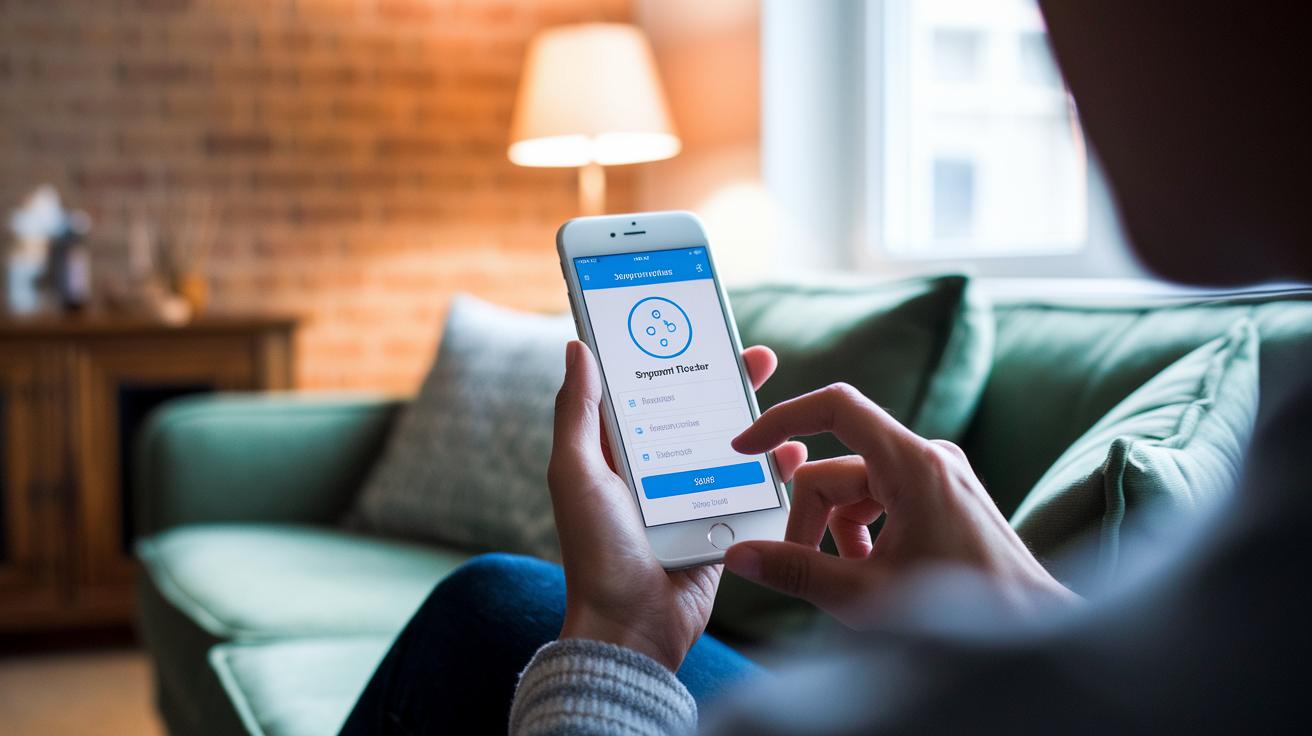
This symptom diagnosis app earns your trust with methods built up over 25 years. Each year, physician authors carefully review and update the content so you always have the most up-to-date and clear guidance. They check for new conditions and adjust over-the-counter dosages, ensuring you receive current advice for your symptoms.
The platform offers more than 300 detailed symptom care guides. These guides help you decide whether to try self-care, schedule an appointment, or seek emergency care. It’s like having a friend who gently guides you through what to do next.
This evidence-based system stands on a strong clinical foundation. Validated in thousands of practices, its reliable symptom assessments have helped many people make informed health decisions. One user said, "After reading the app's advice on minor symptoms, I decided to talk to my doctor. It felt like having a trusted friend who always had the right answer." Isn't that reassuring?
By mixing expert insights with AI-powered analysis and trusted algorithms, the tool offers clear instructions and helpful disclaimers about consulting a professional when needed. Advanced healthtech innovations also ensure that every update reflects the latest medical guidelines and research.
- Information is refreshed annually.
- Over 300 symptom care guides provide personalized recommendations.
- Its clinical approach is backed by decades of trusted use.
App Symptom Checker Platforms: Mobile vs Web Comparison
This app symptom checker works beautifully on many platforms. It easily connects through website iframes, native mobile apps, and patient portals like Epic MyChart. Organizations can have it running within hours thanks to enterprise-ready packages.
Each option comes with its own friendly interface and performance details. Mobile apps, for example, are built for touch screens. You can tap on a clear, responsive display that feels as reassuring as a friendly handshake , smooth, quick, and familiar.
The web version is great for patients using home computers or kiosks in waiting areas. Its design is simple and easy to follow, guiding even those who aren’t tech-savvy through their health tracking step by step. Advanced analytics turn every interaction into useful insights by tracking success rates and even appointment conversions.
Organizations appreciate the detailed patient report tracking. They can look at usage trends, fine-tune care paths, and improve overall patient flow with ease.
| Platform | Key Feature | User Experience |
|---|---|---|
| Mobile App | Touch-optimized interface | Responsive and fast |
| Web-based Checker | Seamless portal integration | Accessible through desktop |
Each option works as a handy diagnostic tool that fits right into your current digital health setup. With enhanced analytics, interactive dashboards, and timely feedback, you can easily see how these choices impact real health outcomes.
App Symptom Checker Data Privacy and Security
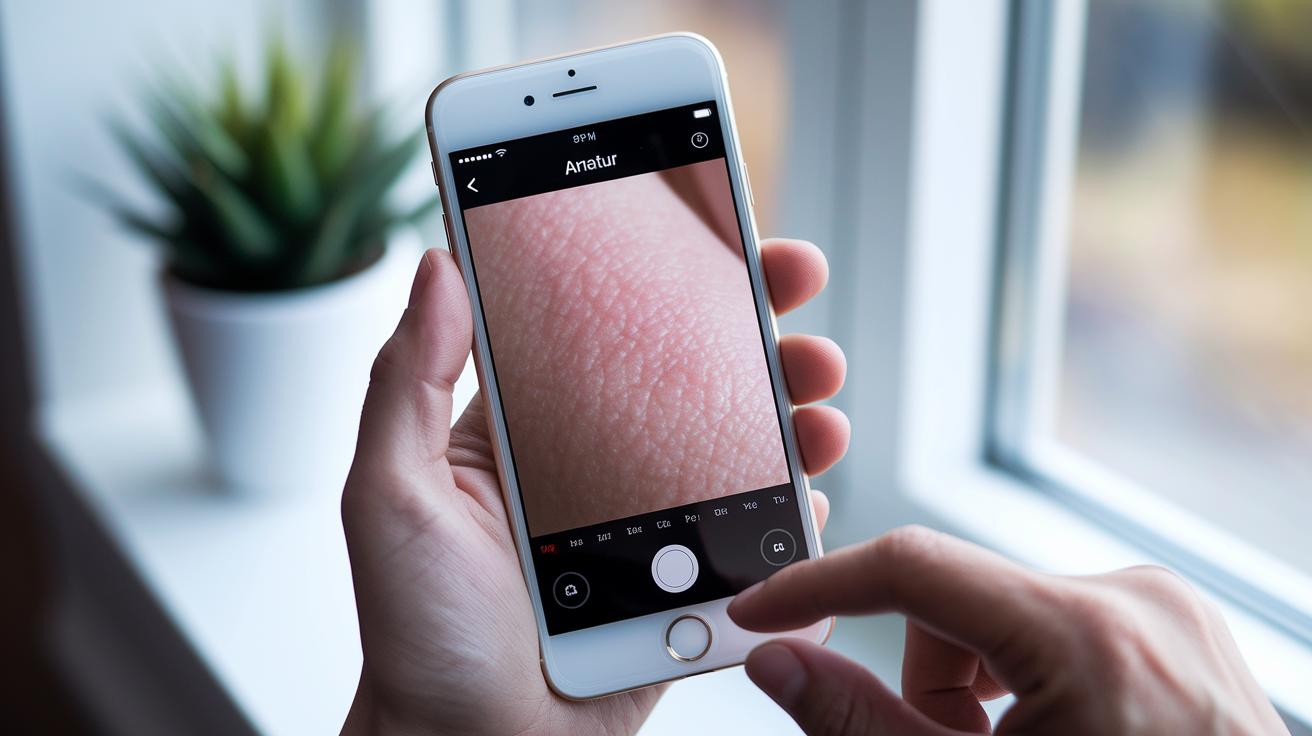
Our mobile health screening app is built to protect your data from the start. It uses strong encryption that meets HIPAA rules (healthcare privacy rules) to keep every piece of your information, like your symptoms and photos, safe as it moves over secure connections.
When you use the app's photo features for checks like skin examinations, your images are handled with extra care. They are stripped of personal details before they are processed, so no identifying information is included. This extra step makes sure your pictures remain private.
Our privacy policies are written in plain language. They tell you exactly what information we keep, what might be shared, and how we protect it. If a professional evaluation is needed, the app will send you a clear alert explaining the next steps. You will also be asked for your permission before any data is shared, giving you full control.
Key benefits include:
- HIPAA-safe encryption that protects every data exchange.
- Secure methods that keep your information safe during transfer.
- Special workflows that remove personal details from images.
- Clear notices and consent prompts that guide you every step of the way.
These features let you trust that your health information is secure, so you can focus on feeling better while we take care of the security details.
How to Use an App Symptom Checker: A Step-by-Step Guide
Starting with this handy health tool is really easy. First, open or download the symptom checker on your phone or computer. It’s built to be simple and clear, whether you’re relaxing at home or out and about.
Next, pick how you want to check your symptoms. You can chat with a friendly bot that talks like a real person or work through a simple checklist. Both ways help you look at your health step by step.
Now, type in the main symptoms you’re feeling and include any details like when they began and how strong they are. If you have a skin issue, you can even add a photo. For instance, if you’re not sure about a rash, a quick picture can give you a better clue.
Then, take a look at the personalized care guide that pops up. This guide shows you what to do next, like taking care of yourself at home or calling your doctor.
Lastly, you can create or share a report with your healthcare provider. This report makes it easier to talk about your health with your clinician. Follow the guide’s advice or set up an appointment if you need more help.
Real User Experiences with App Symptom Checker Tools

Healthcare groups have seen great changes since they started using app symptom checkers. Staff say that patient visits run more smoothly and they spend less time on paperwork. Analytics show that over 60% of patients succeed on their own and appointments go up by about 15%. This means that health checks become faster and easier.
Patients have also shared personal stories about the app. One parent said, "I was really worried when my child got a rash late at night. The app quickly looked at a photo and gave me advice, which made me feel better until I could reach our doctor." This kind of feedback shows that the app is more than just a quick check, it really helps with making timely health decisions.
Users have noted some key benefits:
- Fast and easy checks for conditions
- Fewer delays in getting the right care
- A comforting boost in urgent health moments
Organizations also love that the tool improves symptom reporting. It serves as a real-time check that patients trust, whether they’re using a mobile phone or a desktop computer. Clear, secure, and simple guidance like this can truly make a difference in everyday health care decisions.
Final Words
In the action, we explored how an app symptom checker sets the stage for better health assessments. We touched on how these tools guide initial health checks with chatbot and checklist options, compare mobile and web approaches, and secure your data with HIPAA-compliant methods. We also outlined practical steps on how to use the tool and shared real user insights that show its impact on efficient patient management. The app symptom checker offers reliable, user-friendly support, leaving you ready to take more confident, informed steps in your healthcare routine.
FAQ
Is Ada symptom checker free?
The Ada symptom checker is free and lets you check your symptoms, offering basic advice quickly. It helps guide your initial health assessment without any cost.
Are there multiple free symptom checkers available?
The free symptom checkers provide different tools like chatbots and checklists, letting you assess your health easily and get clear guidance on self-care or next steps.
How does a medical diagnosis app work?
A medical diagnosis app gathers details about your symptoms and uses evidence-based methods to analyze them. It then offers guidance on self-care or advises when to see a professional.
Is the WebMD symptom checker effective?
The WebMD health symptom checker uses trusted clinical information to guide users with clear advice. Its methods have been reviewed to help you make informed health decisions.
What does an AI medical diagnosis app do?
An AI medical diagnosis app uses smart software to evaluate your symptoms. By analyzing your input with evidence-based checks, it offers guidance while keeping your information secure.
Which is the best symptom checker app?
The best symptom checker app depends on your needs, offering either a conversational or checklist format. It reviews your symptoms and gives advice while safeguarding your data.
Is there an Ada app available for symptom checking?
The Ada app provides a mobile tool where you can check your symptoms securely. It offers clear, easy-to-read health assessments that help you decide if further care is needed.
What app tells you if you are sick?
An app that tells you if you are sick lets you enter symptoms to receive immediate advice. It helps you decide quickly whether self-care is sufficient or if you should get professional help.
What symptom checker app is for iPhone?
A symptom checker app for iPhone is available on the App Store and offers a secure, user-friendly way to log your symptoms and get guidance right from your phone.
What is the best website to look up symptoms on?
A leading website, like the WebMD health symptom checker, provides trusted, clinically reviewed health information. You can easily look up symptoms and receive clear advice for care decisions.
Is there an app for CFS symptom tracking?
Some symptom checker apps include features for tracking chronic fatigue syndrome symptoms. They let you monitor changes over time and share your progress with your healthcare provider for better care.

