
Have you ever thought about how your daily habits could show clues about your overall health? When you keep a simple symptom tracker, you begin to notice patterns in your everyday feelings. Recording little details, a sleepless night or a burst of energy, creates a personal health diary that truly speaks for itself.
This guide walks you through easy steps to build a tracker that fits right into your routine. In doing so, you'll start to see trends and make smarter choices for a healthier tomorrow.
How to Build a DIY Symptom Tracker for Personalized Health Insights
Creating your own symptom tracker is a great way to take control of your health. By writing down how you feel and your daily habits, you can start to see patterns that show you what might be affecting your well-being. It’s like drawing a picture of your health that only you can create, with both personal notes and numbers for extra clarity.
- First, decide what you want to learn about your health. Do you want to see how stress changes your sleep, or maybe how different foods give you energy? Knowing your goal is the first step.
- Next, pick a tool that works best for you, this could be a simple spreadsheet, a smartphone app, or even a form builder. The key is making it something you enjoy using.
- Then, set up the different fields to record your symptoms and important numbers. Think about tracking things like pain, your mood, or any triggers you notice.
- After that, add features that help guide you through your tracking. For example, you can use simple branching questions that show follow-ups based on previous answers and even automatic calculations to keep track of scores.
- Don’t forget to set reminders! Scheduling alerts or push notifications can help you remember to update your tracker each day.
- Test the tracker to make sure it feels easy to use. Make small changes as needed until it works just right for you.
- Finally, start using your tracker daily and set aside time each week or month to review your entries. This regular habit can reveal patterns and insights that help you make healthier choices.
Keeping up with your tracker might seem like a small task, but forming this habit can really boost your understanding of your own health. Have you ever noticed how a little reminder can make all the difference? Enjoy the journey to a clearer picture of your well-being!
Selecting the Right Format for Your Symptom Tracker

Digital symptom trackers bring a lot of ease to keeping up with your health. They offer interactive charts, cloud syncing, and auto reminders that work quietly in the background so you can focus on getting better. It’s like having a reliable friend who updates your records seamlessly. And if you enjoy clear visuals and organized data, these digital tools might just be your perfect match.
Traditional notebooks, on the other hand, offer a warm, personal way to record your thoughts and feelings. Writing by hand can feel soothing and direct, without the fuss of setting up digital tools. Many people find comfort in the simple act of jotting things down, enjoying the tactile experience that only paper can provide.
Ultimately, your choice depends on your lifestyle and comfort with technology. Think about your daily routine and what kind of details you want to capture. Whether you lean toward the clean, automated updates of a digital tracker or the heartfelt, personal touch of a handwritten journal, your symptom tracker can be a trusted companion on your journey to wellness.
DIY symptom tracker for personalized health insights: Brighter!
Tracking your health means keeping an eye on both numbers and your own feelings. A pain score from 1 to 10 gives a clear idea of how you're doing over time. But writing down how you actually feel, like noting that you felt especially tired after lunch, adds a personal touch. Together, these help you see patterns and share a complete picture with your doctor.
It’s important to tailor your tracker to what matters most to you. Whether you’re watching how a medicine affects you, how your mood changes with your meals, or what triggers certain symptoms, set up your tracker to collect the best data for your life. That way, it becomes more than just a list of numbers; it truly reflects how you feel every day.
| Data Point | Example Format |
|---|---|
| Symptom | Text description |
| Severity | Scale 1–10 |
| Duration | Hours/minutes |
| Trigger | Dropdown list |
| Notes | Free text |
Implementing Privacy and Security in Your DIY Symptom Tracker

Your symptom tracker will stay safe when you use strong encryption. Imagine locking your personal diary with a secret code. Using local encryption for spreadsheets or a secure cloud storage is like putting a digital lock on your health journal, only those with the key can open it.
Backups that aren’t secure can put your information at risk. If you lose your data, it’s like misplacing the keys to your safety deposit box. To keep things safe, make regular backups in trusted places and use hardware encryption to block unwanted access.
Using strong passwords and controlling who can see your tracker is a must. Set a special, hard-to-guess password and only share it with a few trusted people. It’s like telling a secret only to your best friends.
It also helps to check your tracker often and save different versions of your files. By comparing the current version with older ones, you can quickly spot any changes that shouldn’t be there. Think of it as checking your front door every day to make sure it’s locked up tight.
Interpreting Tracker Data for Personalized Health Insights
When you take the time to look over the data you record, you really begin to understand how your body reacts to different foods, exercises, or treatments. Writing down what you feel each day helps reveal trends that might otherwise fly under the radar. For example, if you notice a sudden increase in pain after eating a particular meal, it could be a sign of a food sensitivity. This kind of insight lets you and your doctor make small tweaks to your daily routine that can lead to better health.
Detecting Patterns
Spend a little time each week or month checking for trends in your records. Notice if there are times when your symptoms get worse, and think about any changes in your day-to-day habits. Simple calculations, like averaging your discomfort levels, might show that certain days just feel tougher than others. Also, see if you feel better after taking a specific medicine or doing a particular activity. These clues are like pieces of a puzzle that help you understand your health better. For instance, you might find that a night of poor sleep often comes with more pain the following day.
Visualizing Your Data
Turning your numbers into graphs or charts can make these patterns even clearer. A line graph can show you how your symptoms go up and down over time, while a bar chart might reveal which triggers pop up most often. These visuals break down your health data into easy-to-understand snapshots, like a simple map that guides you through your day-to-day experiences.
By spotting these trends, you’re better equipped to tweak your daily habits and treatment plan, leading you toward a healthier, more comfortable life.
Preparing Your Tracker Data for Healthcare Provider Consultations
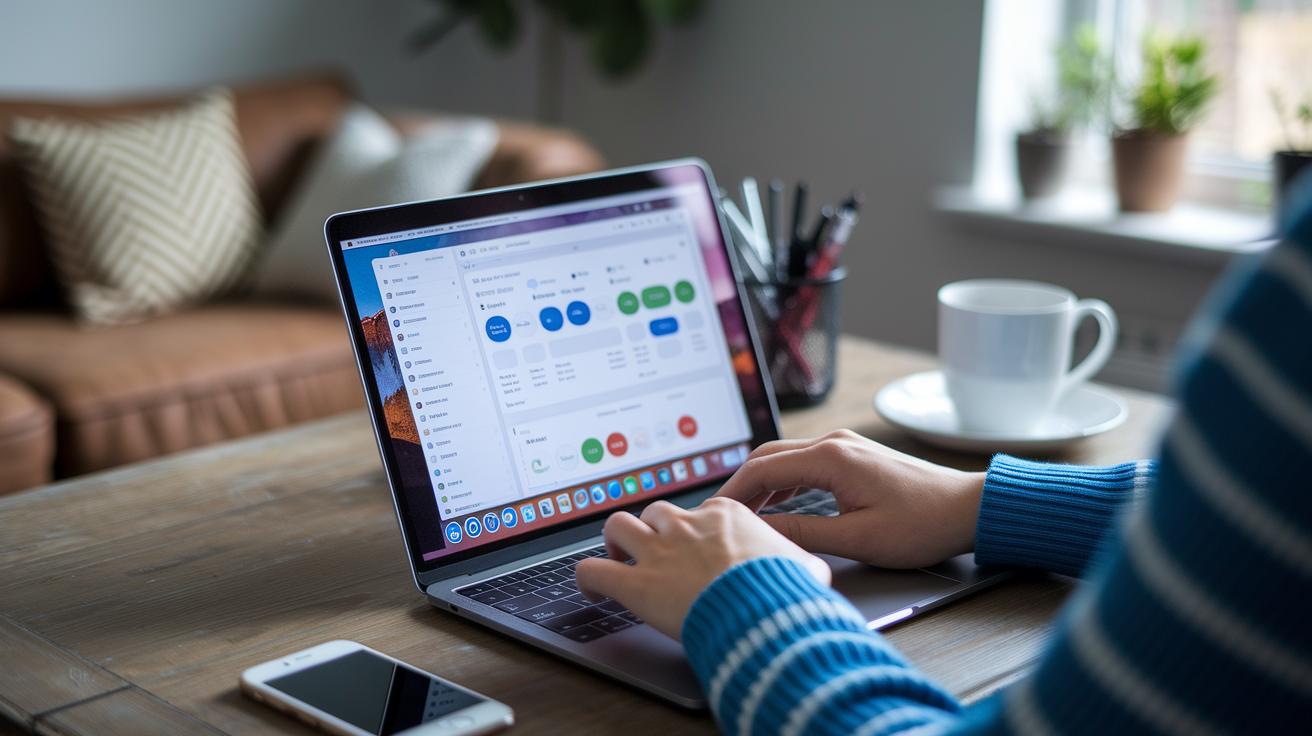
Start by exporting your tracker logs in a common format like CSV or PDF. This makes your records neat and easy to read, kind of like a simple health summary that shows your symptoms and activities clearly.
When you’re ready to share your data, send it using a secure patient portal or an encrypted email. For example, you might use a secure messaging portal (https://medsfax.com?p=215), which gives you the peace of mind that your sensitive health details are safe.
Before your appointment, take a moment to look over your tracker for any repeating patterns or issues. Notice if your symptoms change in strength or frequency, and be ready to explain how they connect with your daily activities or treatments. This thoughtful review helps your provider understand your health story better and offer advice that fits your needs.
Final Words
In the action of setting up your DIY symptom tracker for personalized health insights, you learned how to design, secure, and analyze your own health details. The guide showed simple steps, from defining goals to testing entry flows, that make breaking down data management more approachable. You also discovered ways to balance clear tracking with strong privacy measures. These clear steps empower you to keep your records accurate while staying ahead of your health needs. Keep building on these ideas and enjoy the rewards of better, informed healthcare.
FAQ
Q: What features can I expect from a free symptom tracker app?
A: A free symptom tracker app provides essential tools for recording health details like symptoms and medications while sending reminders for entries. It offers customizable forms and simple reporting to support everyday health monitoring.
Q: What distinguishes chronic illness or best symptom tracker apps?
A: Chronic illness and top-rated symptom tracker apps tailor their tools for detailed health management. They offer customizable fields, trend analysis, and regular reminders to help users record and interpret their daily health status.
Q: What benefits does a symptom tracker app for Android offer?
A: A symptom tracker app for Android combines mobile convenience with features like push notifications and cloud syncing. It makes tracking symptoms and health metrics on the go easy and accessible.
Q: What is a symptom diary (PDF) used for?
A: A symptom diary in PDF form is a printable template that lets users manually log daily health information. It offers simplicity for those preferring paper documentation without relying on digital interfaces.
Q: How do I create a symptom tracker or health log?
A: Creating a symptom tracker involves setting clear tracking goals, choosing a platform, designing fields for symptoms and metrics, adding reminders, and testing the workflow. This process helps build a useful tool for personalized health insights.
Q: What is the AI symptom tracker app?
A: The AI symptom tracker app uses smart algorithms to analyze health data. It links symptoms with lifestyle factors and treatments, giving you personalized insights to make informed healthcare decisions.
Q: What is the Bearable symptom app?
A: The Bearable symptom app provides a digital solution for chronic health monitoring. It enables you to log symptoms, mood, and more, offering clear trend visualizations that foster better communication with healthcare providers.

