
Have you ever wondered if your phone could help with a quick health check? There are apps that ask simple questions about your symptoms and feelings, much like a friendly chat. They guide you on whether you might need to see a doctor right away or just keep an eye on your condition. In this post, we explain how these apps work, why they can be so helpful, and how they offer a fast, easy check-up whenever you need one.
Mobile Symptom Assessment Apps Explained: How They Assess Symptoms, Provide Health Information, and Guide Care Decisions
Mobile symptom assessment apps use friendly chatbots powered by artificial intelligence to ask about how you're feeling, your age, gender, and everyday habits like smoking or blood pressure details. It’s like chatting with a trusted friend who asks simple questions, such as "Do you have a cough or a fever?" and then offers advice like "If your temperature is high, keep an eye on your symptoms."
These apps collect the details you share to help figure out what might be going on with you. They provide a list of possible conditions and give advice on whether you might need to see a doctor quickly or just keep monitoring things at home. Imagine a brief message on your phone saying, "Your symptoms might be mild; check back if you notice any changes." It’s a gentle way to help you decide what to do next.
It’s important to remember that these tools are not meant to replace a professional medical diagnosis. They always include clear notes that the information provided is just for early guidance. This way, you get quick, useful info without the wait, easing some of the stress of wondering about your health.
Key Features to Look for in Mobile Symptom Assessment Apps

When you’re weighing your choices in mobile symptom apps, start by looking at the range of conditions each one can screen. Some apps can check for hundreds or even thousands of issues, which can be really helpful when you need a quick look at a variety of symptoms. You might see a friendly prompt like, "Are you feeling any unusual discomfort?" followed by a list of possibilities.
It’s also important to consider how accurate the app is. Studies show that these tools get it right anywhere between about 35.5% and 70.5% of the time when matching symptoms to potential issues. Think of it like this: an app might say, "Your symptoms seem to point to a mild condition; however, if you notice any severe changes, please consult a doctor." This kind of plain advice helps set clear expectations.
Urgency guidance is another key point. Research suggests that the recommendations on when to get help are spot on between 80.0% and 97.0% of the time, ensuring you know when it’s really important to seek medical attention.
When comparing different apps, keep an eye out for these features:
| Feature | Description |
|---|---|
| Coverage of Illnesses | Looks into a wide range of possible conditions |
| Evaluation Accuracy | Measures how correctly the symptoms are assessed |
| Urgency Recommendations | Provides clear advice on when to seek care |
| User Interface | Offers a simple, friendly chat or form design |
| Multi-Language & Telemedicine Links | Supports various languages and offers referral options |
| Data Privacy | Uses robust protections like encryption and HIPAA-style safeguards |
These features work together to give you a fast, reliable way to screen your symptoms right on your digital device, helping you decide if it’s time to get professional advice.
Comparing Top Mobile Symptom Assessment Apps
Mobile symptom assessment apps give you a quick look at your health by asking a few simple questions. They collect details like your age, gender, and health history, and use smart chatbots to create an easy-to-read wellness report right on your phone.
Below is a side-by-side comparison of five top apps so you can see how each one performs when it comes to screening conditions, checking symptom accuracy, offering advice on urgency, and even connecting you directly with telemedicine services.
| App | Condition Coverage | Symptom Accuracy | Urgency Guidance | Telemedicine Integration | Additional Info |
|---|---|---|---|---|---|
| Ada | 99.0% | 70.5% | 97.0% | No | 10M+ users, 4.7-star rating |
| Buoy Health | 88.5% | 43.0% | 80.0% | Web & US iOS | Strong web presence |
| Mediktor | 80.5% | 36.0% | 87.3% | Yes | Includes telemedicine consults |
| WebMD | 93.0% | 35.5% | N/A* | No | Focus on extensive health info |
| K Health | 74.5% | 36.0% | 81.3% | Yes | Offers online doctor chats |
*WebMD focuses more on providing detailed health information rather than guidance on urgency care.
Each app uses your personal data to tailor the check-up, giving you a clearer picture of your health. With these mobile tools, you quickly know whether you need to seek help right away or just watch your symptoms for a bit. This comparison breaks down how each platform covers health conditions, how accurately it assesses symptoms, and when it advises you to call a doctor. Plus, the table shows which apps let you easily transition to an online consultation, an extra help for those days when you just don’t want to wait for a traditional appointment.
How Mobile Symptom Assessment Apps Integrate with Professional Healthcare and Ensure Data Privacy
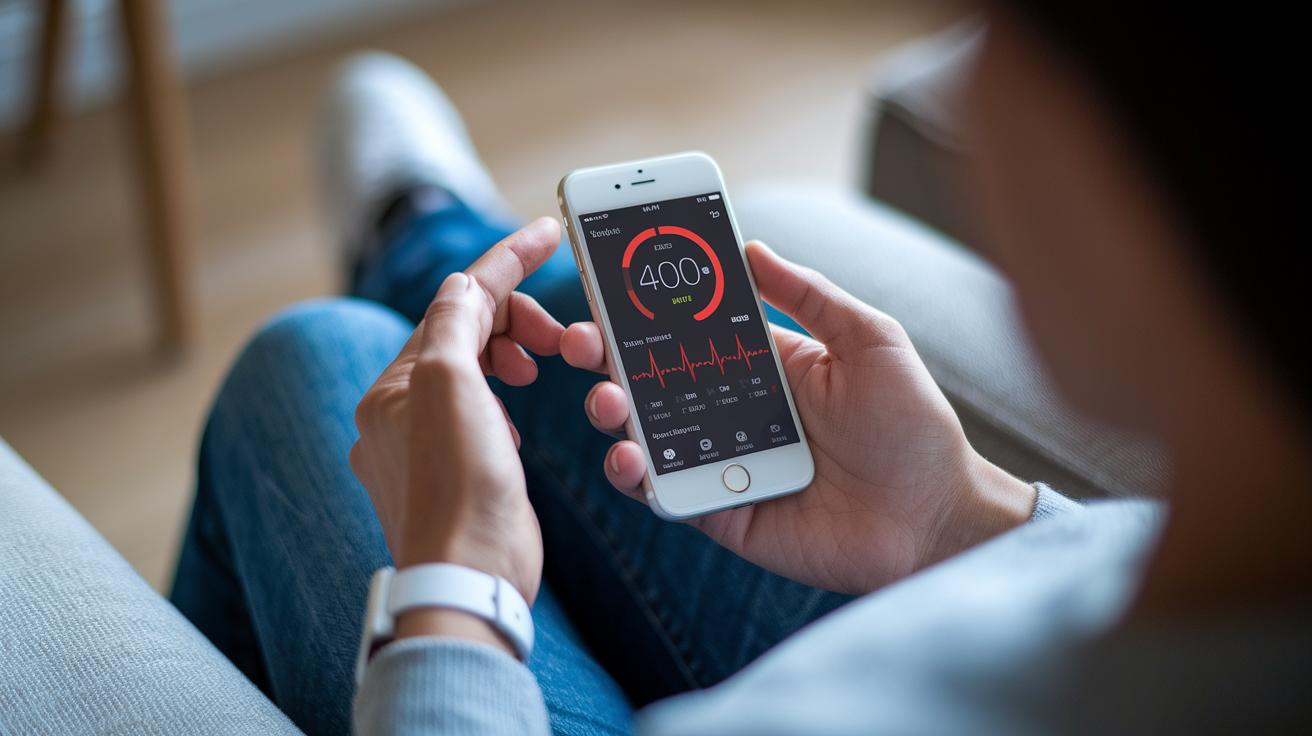
Mobile symptom assessment apps help you connect easily with professional care. They work by blending online doctor referrals, sharing your health records, and sending friendly reminders about in-person visits. For example, if a check-up shows that you might need more care, the app might say, "If these symptoms stick around, please consider booking an in-person consultation." This creates a smooth step from your initial online check to direct care.
These apps also remind you that they aren’t a replacement for a doctor’s diagnosis. They include clear notes that the info you see isn’t meant to be a final medical opinion. Think of it like a locked safe, your personal details are guarded by strong, HIPAA-style encryption (that is, extra secure digital safety measures) and careful permission checks. Your health history is used only to tailor your assessment and is later stored safely using anonymized methods, keeping your private information private.
Of course, challenges do exist. Without proper security steps, even the best apps can face risks. That’s why regular audits and updates to encryption keep your data safe from breaches. Picture the reassurance you feel when you get a secure, encrypted notification, it’s like knowing your diary is locked tight. Following trusted best practices, as shown on the privacy and security page at https://medsfax.com?p=1192, is key to building and keeping your trust in these digital health tools.
Overcoming Challenges and Embracing Future Trends in Mobile Symptom Assessment Apps
Mobile symptom apps sometimes struggle with accuracy, which can vary a lot, from about 35% to 70.5%. This inconsistency, along with mixed usability and low public awareness, can leave users unsure if their health check captured the whole picture. For instance, you might get a message saying, "Your check-up looks okay," while missing some important details that could improve the analysis.
Developers are working hard to make things better. They are boosting their AI models with larger sets of clinical data to improve how well symptoms are evaluated. Imagine your device alerting you in real time if your heart rate or oxygen levels go off track. It’s like having a helper that works with wearable sensors, such as heart rate or SpO₂ monitors, right on your wrist.
There’s also hope from new regulatory paths. Upcoming approvals from bodies like the FDA and CE mark could pave the way for stronger app features. Engineers are busy making it easier for these apps to connect with electronic health records, and they’re adding smart alerts to flag potential health issues. The key trends look like this:
These exciting changes are in line with insights from future trends in medical informatics. They set the stage for a new wave of smart, connected tools that help keep your health in check with clarity and care.
Final Words
In the action, this article walked through mobile symptom assessment apps, explaining how they gather personal health details and deliver tailored advice. It broke down key features like evaluation accuracy, urgency tips, and privacy safeguards. We also compared top apps and discussed how they connect with professional care while keeping patient data secure. Embracing emerging trends and future innovations can lead to smarter decisions and improved outcomes. The insights shared here aim to guide safe, informed choices using mobile symptom assessment apps and help foster better healthcare experiences for everyone.
FAQ
What are medical diagnosis apps?
Medical diagnosis apps use AI chatbots to ask about your symptoms and background, then suggest possible conditions and actions. They are quick guides that do not replace a doctor’s full evaluation.
What is the ADA app and is it free to use?
The ADA app is a mobile symptom checker from Ada Health that uses AI to guide your self-assessment. It is free to use and available for download from major app stores.
What is the best and most accurate online symptom checker?
The Ada app stands out with high coverage and accuracy in assessing symptoms, offering reliable guidance on care decisions. Its user-friendly design makes it a top choice among symptom checkers.
Is the mySymptoms app free?
The mySymptoms app pricing and features can vary, so checking the official website or your device’s app store listing is the best way to get accurate, up-to-date information.

